

Astra is one of the most popular WordPress themes ever made. It has over 1 million active installs and a 4.9/5 rating from more than 6,500 reviews on WordPress.org. People love it because it’s fast, works with every page builder, and comes with hundreds of starter templates.
So why look for an Astra alternative? For many users, it comes down to price and upsells. Astra Pro costs $69/year for up to 3 sites, and the bigger toolkits now bundle AI and hosting. The Essential Toolkit is $199 for the first year and renews at $299/year, because all renewals are at full price.
Others want a different approach. Some want more features in the free version, such as a free header builder or WooCommerce tools. Some want a true block theme for the Site Editor, and others just want a blank canvas for Elementor.
A good Astra alternative should be just as fast, work with the editor or builder you use, offer starter sites, and have fair pricing for the number of sites you run. If you’re open to page builders too, see our list of best Elementor themes.
In this post, we’ve picked the 8 best Astra alternatives, all with free versions on WordPress.org, and compared their features, pros, cons, and pricing. Let’s dive in.
|
# |
THEME |
FREE VERSION |
RATING |
DETAILS |
|---|---|---|---|---|
|
1 |
Blocksy ★ Best overall |
✓ Yes |
★ 5.0/5 WordPress.org · 300K+ installs | |
|
2 |
GeneratePress ★ Best for speed |
✓ Yes |
★ 4.9/5 WordPress.org · 500K+ installs | |
|
3 |
Kadence ★ Best free design tools |
✓ Yes |
★ 4.9/5 WordPress.org · 500K+ installs | |
|
4 |
Neve ★ Best for beginners |
✓ Yes |
★ 4.7/5 WordPress.org · 200K+ installs | |
|
5 |
OceanWP ★ Best for WooCommerce |
✓ Yes |
★ 4.9/5 WordPress.org · 400K+ installs | |
|
6 |
Hello Elementor ★ Best for Elementor users |
✓ Yes |
★ 4.2/5 WordPress.org · 1M+ installs | |
|
7 |
Ollie ★ Best block theme |
✓ Yes |
★ 5.0/5 WordPress.org · 7K+ installs | |
|
8 |
Sydney ★ Best for business sites |
✓ Yes |
★ 4.9/5 WordPress.org · 80K+ installs |
Ratings from WordPress.org unless noted. Prices checked November 2026.
1 Blocksy

Blocksy is a fast, modern theme from Creative Themes. It has over 300,000 active installs and a perfect 5/5 rating from more than 870 reviews on WordPress.org, which makes it one of the best reviewed themes in the directory.
Compared with Astra, Blocksy gives you more in the free version. The drag and drop header and footer builder, WooCommerce options like quick view and off-canvas filters, and a set of free starter sites are all included without paying. It works well with the block editor, Elementor, Beaver Builder, and Brizy.
Blocksy Pro adds content blocks (hooks), multiple conditional headers, a mega menu, more starter sites, and extra WooCommerce features. Every Blocksy Pro plan also comes as a lifetime license, starting at $199 for 1 site (Astra Pro lifetime starts at $249).
Features
-
Drag and drop header and footer builder
-
Free starter sites
-
WooCommerce quick view and off-canvas filters
-
Works with Gutenberg, Elementor, Beaver Builder, and Brizy
-
Global colors and typography in the Customizer
-
Content blocks and hooks (Pro)
-
Multiple conditional headers (Pro)
-
Mega menu (Pro)
-
White label (Pro)
Pros
-
Very generous free version
-
Perfect 5/5 rating on WordPress.org
-
Lifetime plans on every tier
-
Clean, modern code and fast pages
Cons
-
So many options that it takes time to learn
-
Some of the best starter sites need Pro
-
Fewer third-party tutorials than Astra
Pricing
Blocksy is free on WordPress.org. Blocksy Pro costs $69/year or $199 lifetime for 1 site, $99/year or $299 lifetime for 10 sites, and $149/year or $499 lifetime for unlimited sites. All plans come with a 14-day money-back guarantee.
2 GeneratePress

GeneratePress is a lightweight theme built by Tom Usborne. It has over 500,000 active installs and a 4.9/5 rating from more than 1,400 reviews on WordPress.org. Developers and bloggers love it because it is stable, fast, and very well coded.
Like Astra, GeneratePress keeps pages light, but it takes a more minimal approach. There are no bundled extras you don’t use, and it pairs with GenerateBlocks for building layouts in the block editor. If you mostly care about Core Web Vitals and clean code, GeneratePress is a safe switch.
Premium features now come in a single GeneratePress One plan. It includes GP Premium (site library, hooks and block elements, WooCommerce module), GenerateBlocks Pro, GenerateCloud, and GeneratePress AI. In October 2026 the 1-site plan dropped from $149 to $99 a year.
Features
-
Lightweight, accessible code
-
Typography and color controls
-
Works with GenerateBlocks for block layouts
-
Schema and SEO-friendly markup
-
Site Library with starter sites (Pro)
-
Elements: hooks and block-based headers and footers (Pro)
-
WooCommerce module (Pro)
-
GenerateBlocks Pro and GenerateCloud included (Pro)
Pros
-
Excellent speed and code quality
-
Rock-solid stability and updates
-
One plan includes every product
-
Great documentation and support forum
Cons
-
The free version is quite basic
-
No drag and drop header builder like Astra
-
Lifetime plan only comes in one large size
Pricing
GeneratePress is free on WordPress.org. GeneratePress One costs $99/year for 1 site, $149/year for 10 sites, or $199/year for 100 sites. There’s also a $596 lifetime plan for 100 sites. Every plan includes GP Premium and GenerateBlocks Pro, and refunds are available within 30 days.
3 Kadence
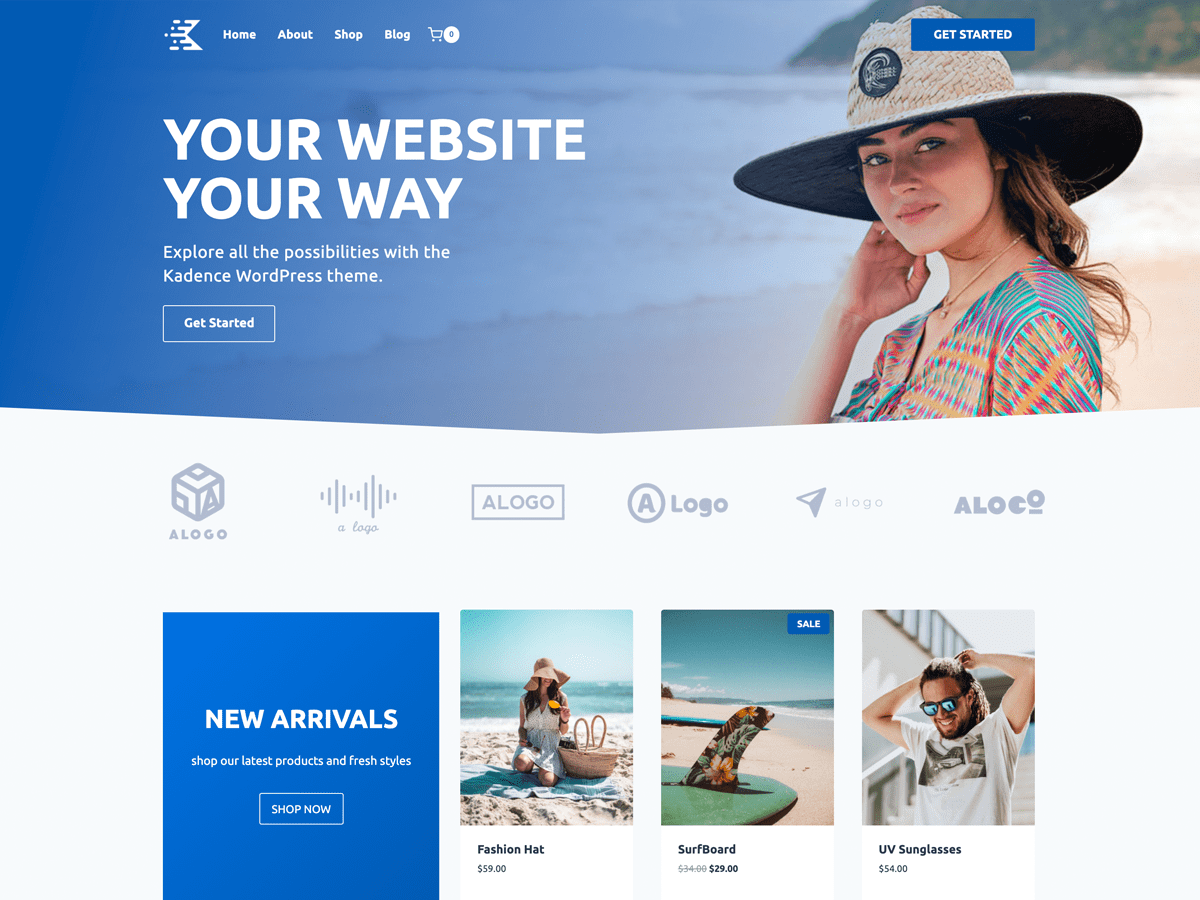
Kadence is a popular multipurpose theme now owned by Liquid Web (Nexcess). It has over 500,000 active installs and a 4.9/5 rating from more than 450 reviews on WordPress.org.
Kadence is the closest match to Astra in how it works. The free theme already has a drag and drop header and footer builder, global color palettes, and a free Starter Templates plugin with ready-made sites. Pair it with the free Kadence Blocks plugin and you can build most sites without any premium add-on.
The premium side changed in 2026. Kadence is now sold through Liquid Web as part of a larger software bundle that also includes tools like GiveWP, The Events Calendar, and LearnDash. That adds a lot of value for agencies, but it costs more than Astra Pro if you only want theme features.
Features
-
Drag and drop header and footer builder
-
Global color palettes and typography
-
Free Starter Templates plugin
-
Pairs with the free Kadence Blocks plugin
-
WooCommerce support
-
Conditional headers (Pro)
-
Hooked elements (Pro)
-
Extra header and footer items (Pro)
Pros
-
Header builder is free
-
Feels very close to Astra
-
Strong block editor integration
-
Large community and lots of tutorials
Cons
-
Premium is now sold only as a bigger bundle
-
No lifetime plan on the current pricing page
-
Some starter templates are premium only
Pricing
Kadence is free on WordPress.org. Premium Kadence is now sold through Liquid Web in annual plans that start at $350/year for 1 site and $599/year for 10 sites, and the plans also include other Liquid Web software. Refunds are available within 30 days.
4 Neve
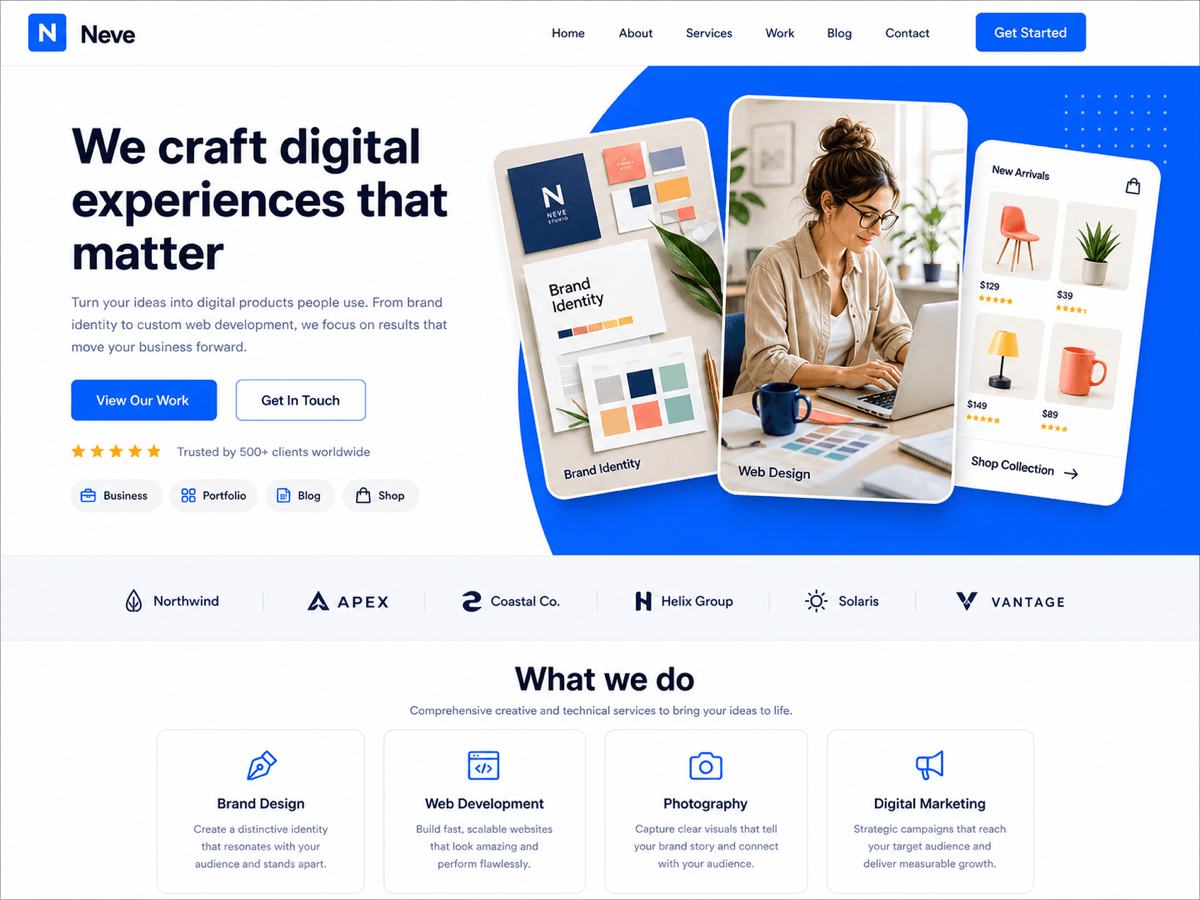
Neve is a lightweight theme from Themeisle. It has over 200,000 active installs and a 4.7/5 rating from more than 1,200 reviews on WordPress.org.
Neve is a lot like Astra: a fast base theme with a header builder and a large library of starter sites you can import in a few clicks. It feels simple for beginners, and it works with the block editor, Elementor, and other page builders. It is also AMP compatible and mobile first.
Neve Pro adds custom layouts and hooks, a WooCommerce Booster module, more blog layouts, and white label options. All Pro plans now include updates and support for unlimited sites, so even the cheapest plan covers a small agency.
Features
-
Header and footer builder
-
Starter sites library
-
Mobile-first, AMP compatible
-
Works with Gutenberg, Elementor, and more
-
Typography and color controls
-
Custom layouts and hooks (Pro)
-
WooCommerce Booster (Pro)
-
Blog Booster (Pro)
-
White label (Pro)
Pros
-
Easy for beginners
-
Unlimited sites on every Pro plan
-
30-day money-back guarantee
-
Lots of starter sites
Cons
-
Prices double at renewal
-
No lifetime plan
-
Rating is a bit lower than the others here
Pricing
Neve is free on WordPress.org. Neve Pro costs $69 for the first year on the Personal plan (renews at $139/year), $149 on Business (renews at $299), or $259 on Agency (renews at $519). All plans cover unlimited sites, and refunds are available within 30 days.
5 OceanWP
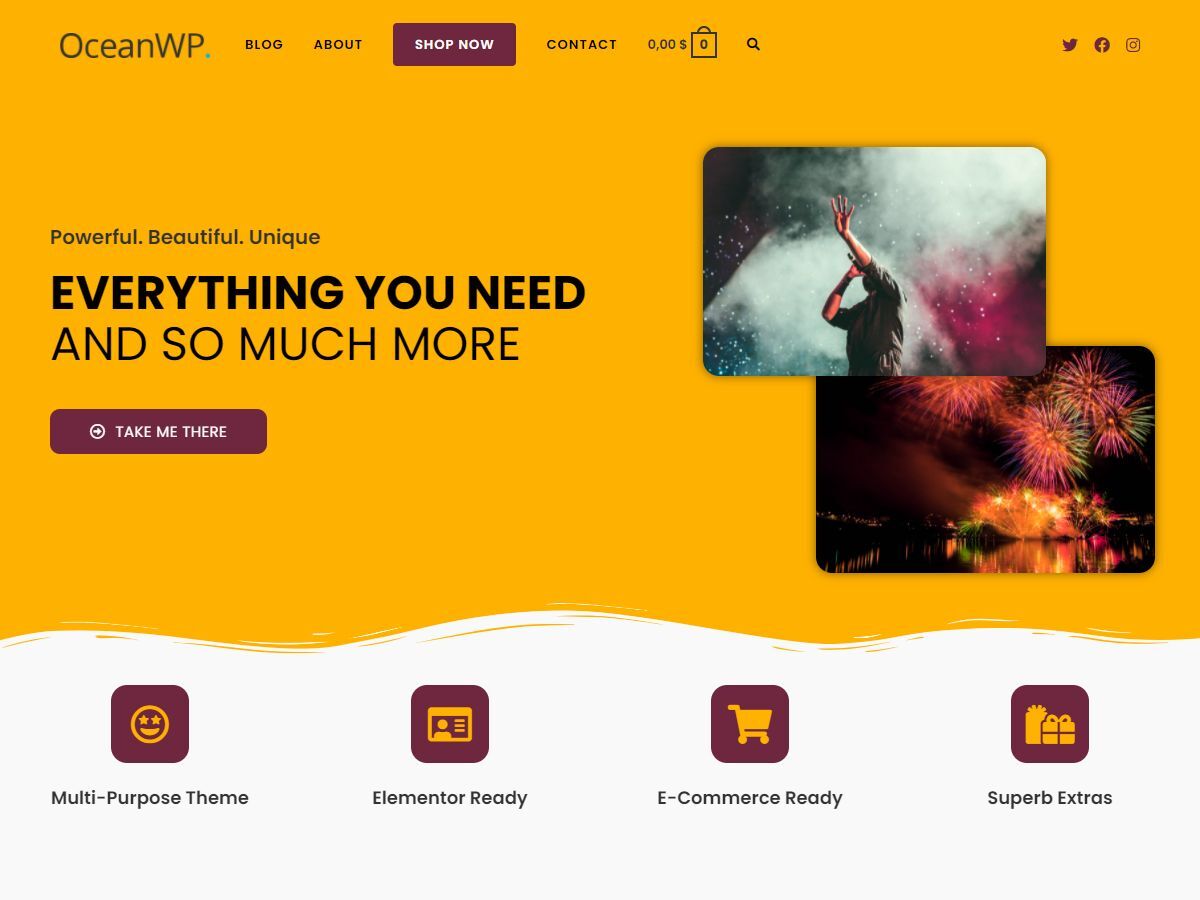
OceanWP is one of the longest running free multipurpose themes. It has over 400,000 active installs and a 4.9/5 rating from more than 5,700 reviews on WordPress.org, the most reviews of any theme in this list.
Compared with Astra, OceanWP puts more into its free package for online stores. It has built-in WooCommerce features, plus the free Ocean Extra plugin that adds demo imports and extra settings. It works well with Elementor, which many OceanWP users rely on.
Premium features come as separate extensions or in the Core Extensions Bundle. These add a sticky header, Elementor widgets, popup login, a portfolio, white label, and more. OceanWP offers both yearly and lifetime plans.
Features
-
Built-in WooCommerce features
-
Free Ocean Extra plugin with demo imports
-
Works well with Elementor
-
Many header and blog layout options
-
Customizer controls for colors and fonts
-
Sticky header (Pro)
-
Elementor widgets (Pro)
-
Popup login and portfolio (Pro)
-
White label (Pro)
Pros
-
Huge user base and review count
-
Strong WooCommerce tools for free
-
Yearly and lifetime plans
-
Buy single extensions if you only need one
Cons
-
Settings spread across many panels
-
Feels less modern than Blocksy or Kadence
-
Renewals and upgrades are not refundable
Pricing
OceanWP is free on WordPress.org. Premium features come as single extensions or in the Core Extensions Bundle, with both yearly and lifetime plans (prices change often with sales, so check the current price on the site). New purchases can be refunded within 14 days.
6 Hello Elementor
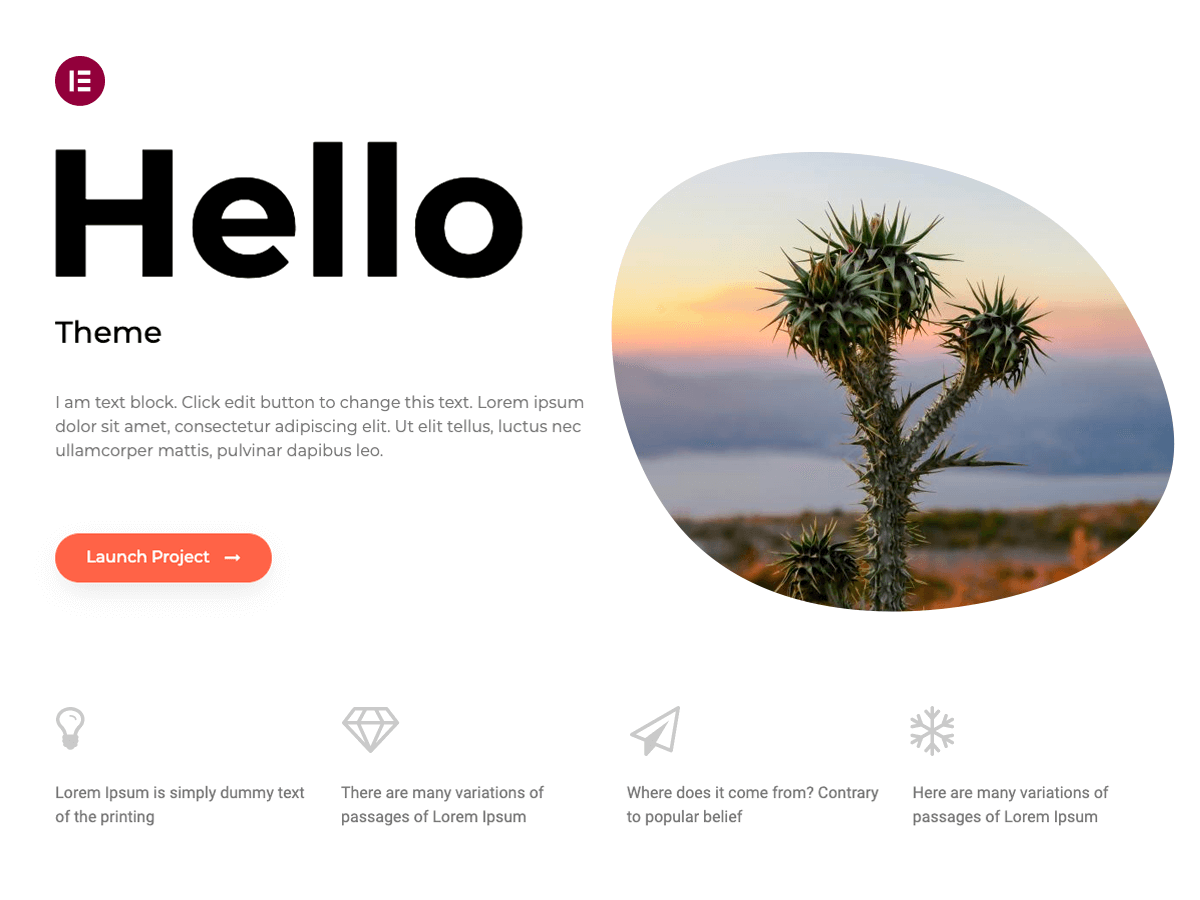
Hello Elementor is the official free theme from the Elementor team. It has over 1 million active installs and a 4.2/5 rating from about 130 reviews on WordPress.org.
Many people use Astra mainly as a light base for Elementor. Hello Elementor does that job with even less in the way: it is a blank canvas with almost no styling, so Elementor controls the whole design. If you already design every page in Elementor, it can replace Astra with very little effort.
To build headers, footers, and templates visually, you’ll need Elementor Pro’s Theme Builder. Elementor also offers Hello Biz, a free business theme with ready kits and a setup wizard, if you want a bit more structure.
Features
-
Minimal, very light base theme
-
Built for Elementor
-
Basic header and footer settings
-
Works with Elementor kits
-
Translation and RTL ready
-
Theme Builder for headers, footers, and templates (Elementor Pro)
-
Popup builder and WooCommerce builder (Elementor Pro)
Pros
-
Free and very fast
-
Made by the Elementor team
-
Perfect if Elementor does all your design
Cons
-
Not useful without Elementor
-
Few design options on its own
-
Elementor Pro needed for a full theme builder
Pricing
Hello Elementor is completely free on WordPress.org. Elementor Pro plans start at $60/year for 1 site, and Elementor offers a 30-day money-back guarantee on annual plans.
7 Ollie
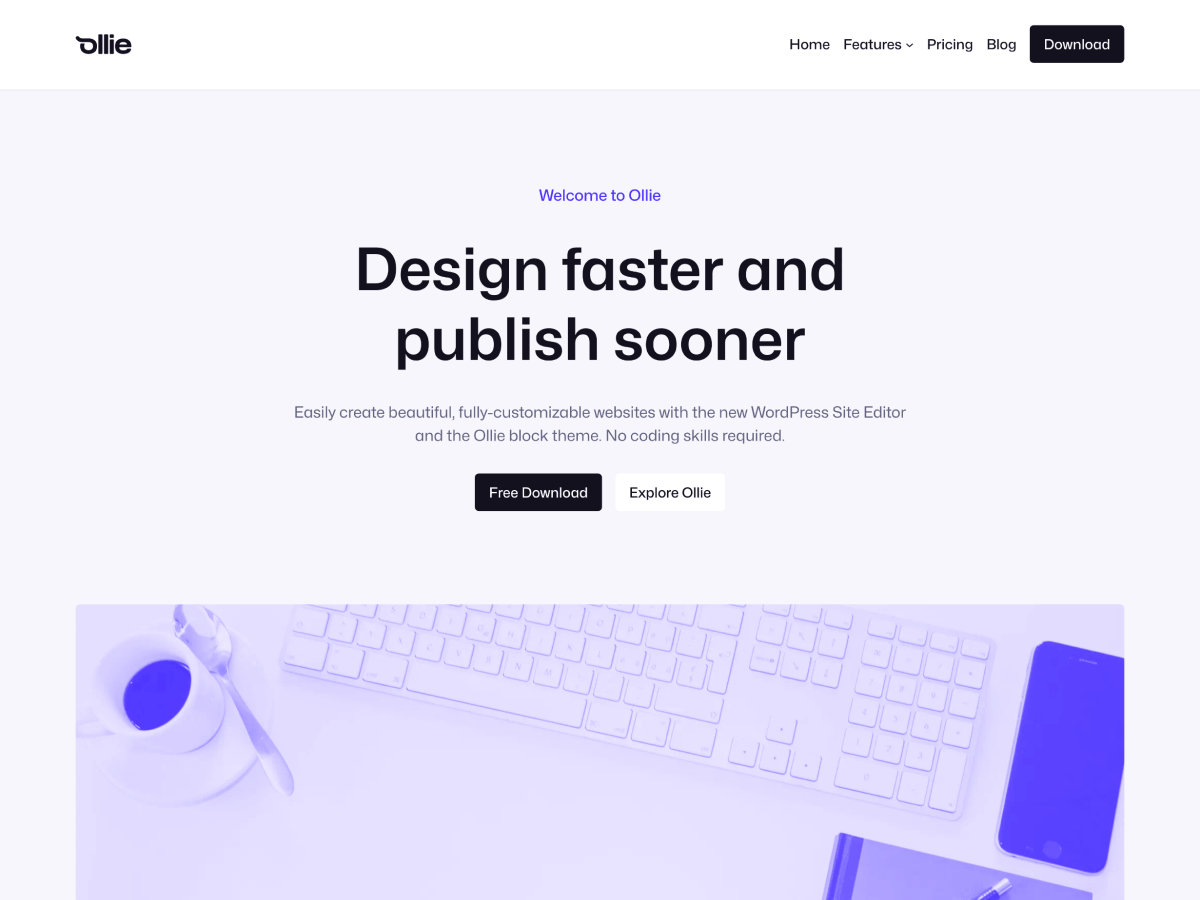
Ollie is a modern block theme made for the WordPress Site Editor. It has a 5/5 rating on WordPress.org from 36 reviews and is updated very often. It’s also the theme we use on WPLeaders.
Astra is a classic theme that uses the Customizer. Ollie is a full site editing theme, so you design your header, footer, and templates with blocks, without extra theme options or page builder plugins. That keeps your site light and future proof as WordPress moves further toward blocks.
Ollie Pro is an optional plugin that adds a cloud library of 200+ patterns and 30+ full-page designs, a Menu Designer, and a Setup Wizard. Patterns you already placed keep working if you cancel.
Features
-
Full site editing block theme
-
Style variations and color palettes
-
Fluid typography and spacing presets
-
Free patterns and templates
-
No page builder needed
-
200+ cloud patterns and 30+ page designs (Pro)
-
Menu Designer (Pro)
-
Setup Wizard (Pro)
Pros
-
Native WordPress blocks, no lock-in
-
Very clean and fast
-
Beautiful patterns out of the box
Cons
-
Smaller user base than Astra
-
No Customizer-style options panel
-
Pro is yearly only, no lifetime plan
Pricing
Ollie is free on WordPress.org. Ollie Pro costs $89/year for 1 site, $149/year for 10 sites, or $299/year for 100 sites. Refunds are available within 14 days.
8 Sydney
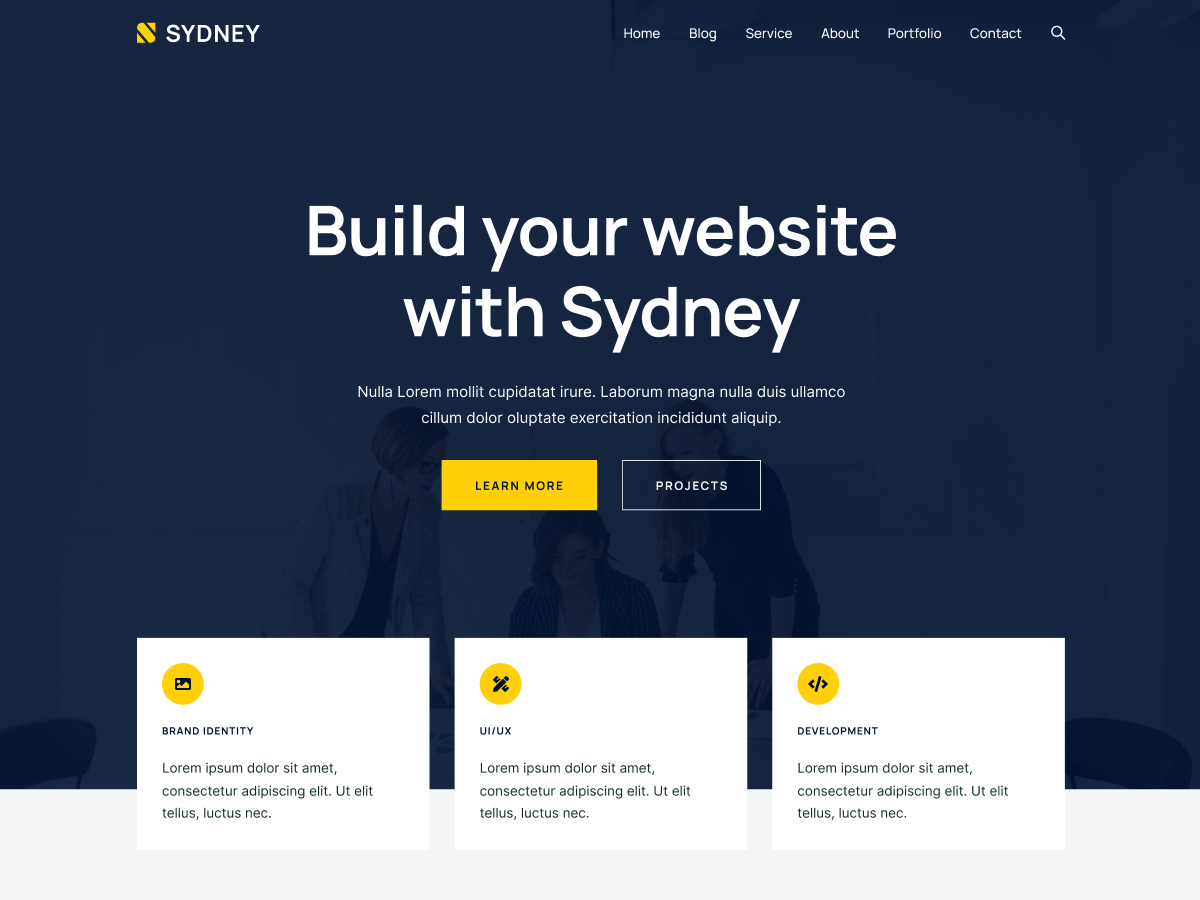
Sydney is a business theme from aThemes. It has over 80,000 active installs and a 4.9/5 rating from nearly 800 reviews on WordPress.org.
Sydney is a good Astra alternative for company, agency, and service websites. It comes with a header and footer builder and starter sites, and it works with both the block editor and Elementor. In 2025 aThemes added block editor versions of all its starter sites.
Sydney Pro adds more starter sites, extra header and footer options, WooCommerce features, and aThemes Addons Pro with extra Elementor widgets and a templates builder.
Features
-
Header and footer builder
-
Starter sites for business websites
-
Works with the block editor and Elementor
-
Typography and color controls
-
WooCommerce support
-
More starter sites (Pro)
-
aThemes Addons Pro widgets and templates builder (Pro)
-
Extra WooCommerce features (Pro)
Pros
-
Made for business websites
-
Supports both blocks and Elementor
-
Cheaper first year than Astra Pro
Cons
-
Fewer free starter sites
-
Smaller community than Astra
-
Renewals are at full price
Pricing
Sydney is free on WordPress.org. Sydney Pro costs $63/year for 1 site, $119/year for 10 sites, or $199/year for 100 sites (sale prices, renewals at the regular $79, $149, and $249). Lifetime plans are also offered, and refunds are available within 14 days.
How To Choose an Astra Alternative
The right Astra alternative depends on how you build your site and what you want to pay. Here’s what to check before you switch.
Budget and renewals. Astra and Neve both renew at full price after the first year. Blocksy sells lifetime plans on every tier, and GeneratePress One now starts at $99/year with a lifetime option for 100 sites.
Free features. If you want to stay free, Blocksy and Kadence give you a drag and drop header builder and starter sites without paying. OceanWP adds solid WooCommerce tools to its free version.
Your editor or page builder. If you design every page in Elementor, Hello Elementor is the lightest base. If you prefer native blocks and the Site Editor, Ollie is the most modern choice. Blocksy, Kadence, Neve, and Sydney work well with both.
Speed and code quality. All eight themes are fast, but GeneratePress is the favorite for clean code and long-term stability, and Blocksy is close behind.
Number of sites. Neve Pro covers unlimited sites on every plan, and Blocksy Agency covers unlimited sites. Kadence’s new bundles make the most sense for agencies that also need tools like LearnDash or The Events Calendar.
Switching effort. No theme imports Astra’s settings, so you’ll set up your header, footer, colors, and fonts again. Your posts and pages stay in WordPress, and content built with Elementor or blocks carries over. Test the new theme on a staging site first.
When to stay with Astra. If you rely on its starter templates, know its settings well, and the renewal price fits your budget, there’s no need to switch. Astra is still one of the best themes around.
FAQs About Astra Alternatives
What is the best free Astra alternative?
Blocksy is the best free option. Its free version includes a drag and drop header and footer builder, starter sites, and WooCommerce features. Kadence is a close second.
Is there a cheaper alternative to Astra Pro?
Yes. Blocksy Pro starts at $69/year or $199 lifetime for 1 site, and Sydney Pro starts at $63 for the first year. Neve Pro costs $69 for the first year and covers unlimited sites. For many sites, the free versions of Blocksy or Kadence are enough.
Can I switch from Astra without losing my content?
Yes. Your posts, pages, and media stay in WordPress when you change themes. You’ll need to set up your header, footer, menus, colors, and fonts again in the new theme, so test it on a staging site first.
Is GeneratePress better than Astra?
It depends on your needs. GeneratePress is often preferred for clean code and stability, while Astra has more starter templates and design options in the free version. Both are fast.
What is the best Astra alternative for Elementor?
Hello Elementor is the lightest choice because Elementor handles all the design. Blocksy, OceanWP, and Sydney also work very well with Elementor if you want more theme options.
Is there a block theme alternative to Astra?
Yes. Ollie is a full site editing block theme, so you design everything with blocks in the Site Editor. It’s free on WordPress.org, with an optional Pro pattern library.
Conclusion
The best Astra alternative depends on your budget and the way you build your site. Here are our quick picks:
- Best overall: Blocksy
- Best for speed: GeneratePress
- Best free design tools: Kadence
- Best for Elementor users: Hello Elementor
- Best block theme: Ollie
Want to see more options? Check out our lists of the best WordPress theme frameworks and the best free Gutenberg-ready WordPress themes.
Disclosure: This post contains affiliate links. That means if you make a purchase by following any of the affiliate links, we’ll get a small commission without any extra cost to you.

Leave a Reply