

Running a hotel, B&B, or vacation rental website? Then you already know how much those OTA commissions hurt. Booking.com, Airbnb, and Expedia bring you guests, but they also take a big cut of every reservation.
The good news is that you can take direct bookings on your own WordPress site. All you need is the right hotel booking plugin.
But here’s the thing: hotel booking is not the same as appointment booking. You’re selling nights and rooms, not 30-minute time slots. So you need features like availability calendars, seasonal rates, check-in and check-out rules, and calendar sync with OTAs so you never get double booked.
That’s why a general booking plugin often isn’t enough. (If you need one for appointments, check out our list of the best WordPress booking plugins.)
In this post, we’ve picked the 8 best WordPress hotel booking plugins for hotels, B&Bs, guesthouses, and vacation rentals. Some are free, some are premium, and a few give you both options. Let’s dive in.
|
# |
PLUGIN |
FREE VERSION |
RATING |
DETAILS |
|---|---|---|---|---|
|
1 |
MotoPress Hotel Booking ★ Best overall |
✓ Yes |
★ 3.7/5 WordPress.org · 4.5/5 on MotoPress.com | |
|
2 |
VikBooking ★ Best for pro hotels |
✓ Yes |
★ 4.8/5 WordPress.org | |
|
3 |
HBook |
✕ No |
★ 4.8/5 CodeCanyon | |
|
4 |
WP Hotel Booking ★ Best free option |
✓ Yes |
★ 3.7/5 WordPress.org | |
|
5 |
Tourfic |
✓ Yes |
★ 4.1/5 WordPress.org | |
|
6 |
WP Booking System ★ Best for single rentals |
✓ Yes |
★ 4.9/5 WordPress.org | |
|
7 |
WooCommerce Bookings ★ Best for WooCommerce |
✕ No |
★ 2.7/5 WooCommerce.com | |
|
8 |
Booking Calendar |
✓ Yes |
★ 4.8/5 WordPress.org |
Ratings from WordPress.org unless noted. Checked October 2026.
1 MotoPress Hotel Booking
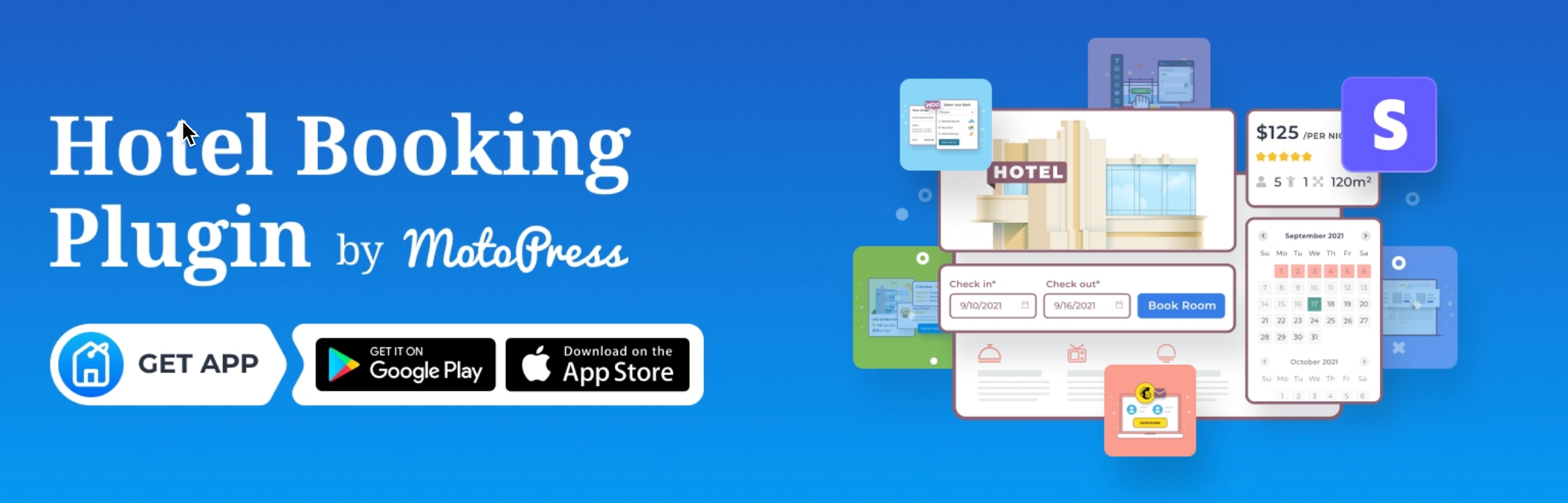
MotoPress Hotel Booking is the most established hotel booking plugin for WordPress. It works for a single villa as well as a hotel with dozens of rooms, and it has over 10,000 active installs on WordPress.org.
You get a real-time availability search form, room listings with galleries and amenities, and flexible rates for seasons, weekends, or longer stays. Guests can add paid extras like breakfast or airport pickup at checkout, and you can charge the full amount or just a deposit.
The Pro version adds iCal sync with Airbnb, Booking.com, and other OTAs, so your calendars stay in step. It also comes with a free mobile app for managing bookings on the go and a new admin calendar for daily pricing.
Features
-
Real-time availability search and calendars
-
Unlimited rooms and properties
-
Seasonal, weekly, and per-guest rates
-
Bookable extras and services
-
Coupons, taxes, and fees
-
Deposit or full payment
-
iCal sync with OTAs (Pro)
-
Free Android and iOS app
-
Works with Gutenberg, Elementor, and Divi
Pros
-
Covers almost everything a small hotel needs
-
Free Lite version to get started
-
Lifetime license option available
-
Regular updates
Cons
-
Stripe and iCal sync are Pro only
-
Some users report a strict refund policy
-
Extra payment gateways need a paid WooCommerce add-on
Pricing
MotoPress Hotel Booking has a free Lite version on WordPress.org. Pro starts at $139/year for one site, $199/year for up to 25 sites, or $499 for a one-site lifetime license.
2 VikBooking
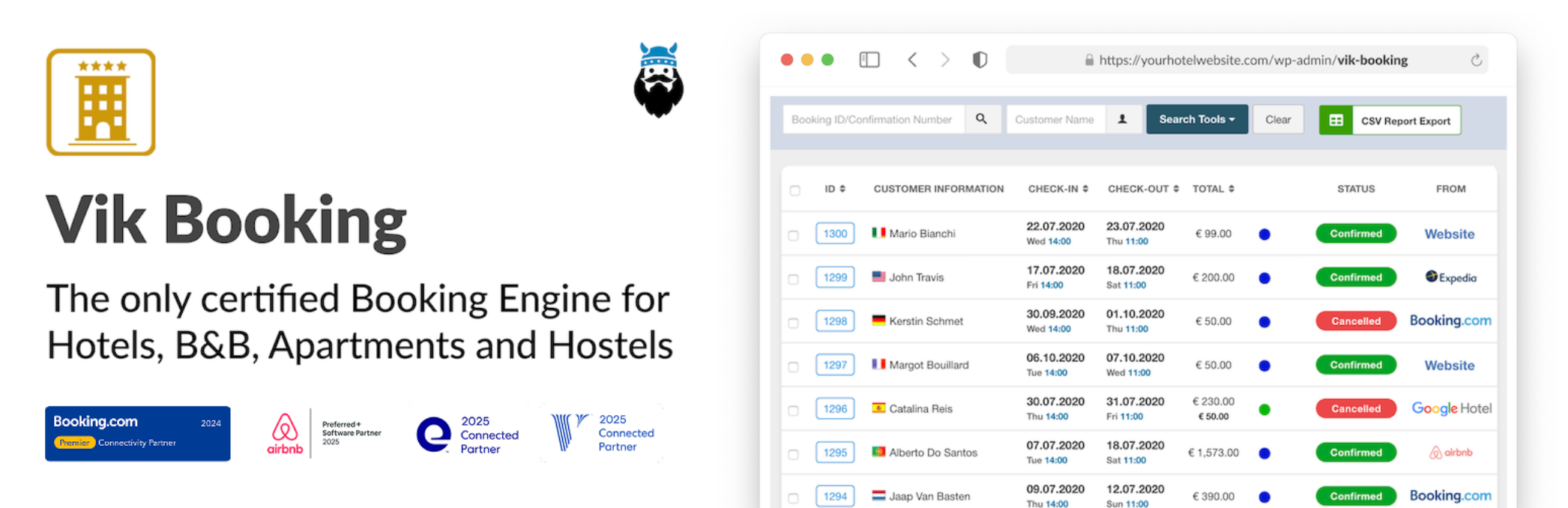
VikBooking is a booking engine and property management system (PMS) in one plugin. It started on Joomla back in 2010 and moved to WordPress in 2018, so it’s a mature product with 8,000+ active installs.
It’s built for professional hotels and B&Bs. You get custom rate plans (refundable, non-refundable), room and sub-unit management, housekeeping tools, PMS reports, and a pre-check-in system for collecting guest details.
The big selling point is its channel manager. With VikBooking Pro plus Vik Channel Manager, you get real API connections to Booking.com, Airbnb, Expedia, and Google Hotel, which is more reliable than basic iCal sync.
Features
-
Booking engine and PMS in one
-
Custom rate plans and pricing models
-
Availability and pricing calendars
-
Housekeeping and task manager
-
Guest pre-check-in
-
60+ payment gateways (Pro)
-
Seasonal rates and booking restrictions (Pro)
-
Channel manager compatible
Pros
-
Highest-rated hotel plugin here (4.8/5)
-
True API connections to major OTAs
-
Very complete PMS features
-
Strong support, according to reviews
Cons
-
Full OTA sync needs three paid parts: Pro, Channel Manager, and an e4jConnect subscription
-
Built for single businesses, not multi-vendor portals
-
Design leans toward hotels and may need CSS tweaks for cabins or villas
Pricing
VikBooking has a free version on WordPress.org. Pro costs €149 for one site (one-year license). The Channel Manager and e4jConnect subscription cost extra.
3 HBook
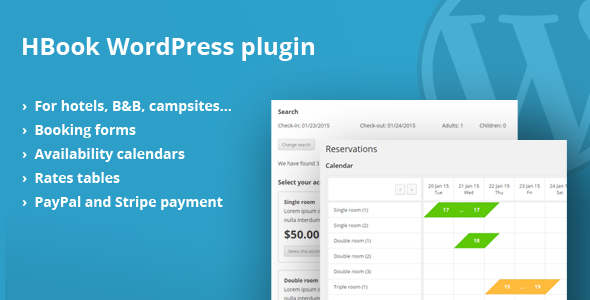
HBook is a premium-only hotel booking plugin sold on CodeCanyon. With over 11,600 sales, it’s one of the most popular paid options for small hotels, B&Bs, and holiday rentals.
It handles the full booking process, from the availability calendar to the booking form and payment. You can set rates by season, add discounts, and take deposits or full payments online.
HBook is a good pick if you want a one-time purchase instead of a yearly subscription. It’s also flexible enough to fit most themes without much styling work.
Features
-
Availability calendars and booking forms
-
Seasonal rates and discounts
-
Deposits and online payments
-
Customizable booking form fields
-
Multiple accommodation types
-
iCal calendar sync
Pros
-
One-time payment
-
Large user base
-
Actively maintained (updated July 2026)
Cons
-
No free version to test first
-
Support period is limited unless you extend it
-
Smaller feature set than VikBooking or MotoPress Pro
Pricing
HBook costs $129 on CodeCanyon, a one-time payment.
4 WP Hotel Booking

WP Hotel Booking by ThimPress is a free hotel booking plugin on WordPress.org with 7,000+ active installs. It’s a solid choice if you’re on a tight budget or using one of ThimPress’s hotel themes.
The core plugin includes room management, booking management, pricing plans, coupons, extra packages, and blocked dates. Features that used to be separate add-ons (coupons, rooms, and blocks) are now merged into the main plugin.
Payments work through PayPal, Stripe, Authorize.net, and offline payment. Stripe, Authorize.net, WooCommerce payments, and WPML support come as free add-ons.
Features
-
Room and booking management
-
Pricing plans
-
Coupons and extra packages
-
Block special dates
-
Reports and multi-currency
-
4 payment gateways
-
Free WPML and WooCommerce add-ons
Pros
-
Completely free
-
Easy setup for beginners
-
Works well with ThimPress hotel themes
Cons
-
Mixed reviews (21 one-star ratings)
-
No built-in OTA calendar sync
-
Recent updates are mostly security fixes
Pricing
WP Hotel Booking is free to download from WordPress.org.
5 Tourfic

Tourfic is a travel booking plugin that covers hotels, apartments, tours, and car rentals in one place. If you want to build a site like Booking.com or a travel agency site, this is the one to look at.
For hotels, you can add unlimited hotels and rooms, set room prices, manage inventory, and show a dynamic location search powered by OpenStreetMap. Guests can leave reviews, save hotels to a wishlist, and book airport pickup as an extra.
Tourfic runs on WooCommerce, so you can use almost any payment gateway. The Pro version adds iCal sync with Booking.com, partial payments, Google Maps search, and a multi-vendor marketplace.
Features
-
Hotels, apartments, tours, and car rentals
-
Unlimited hotels and rooms
-
Room inventory management
-
Reviews and wishlists
-
WooCommerce payments
-
iCal sync with Booking.com (Pro)
-
Multi-vendor marketplace (Pro)
-
AI listing creation (Pro)
Pros
-
One plugin for several booking types
-
Generous free version
-
Free matching themes (Travelfic and Ultimate Hotel Booking)
-
30-day money-back guarantee
Cons
-
Needs WooCommerce
-
Smaller user base (1,000+ installs)
-
Can feel like too much for a single small hotel
Pricing
Tourfic has a free version on WordPress.org. Pro starts at $79/year for one site, $99/year for 5 sites, and $199/year for unlimited sites. Lifetime plans start at $199.
6 WP Booking System
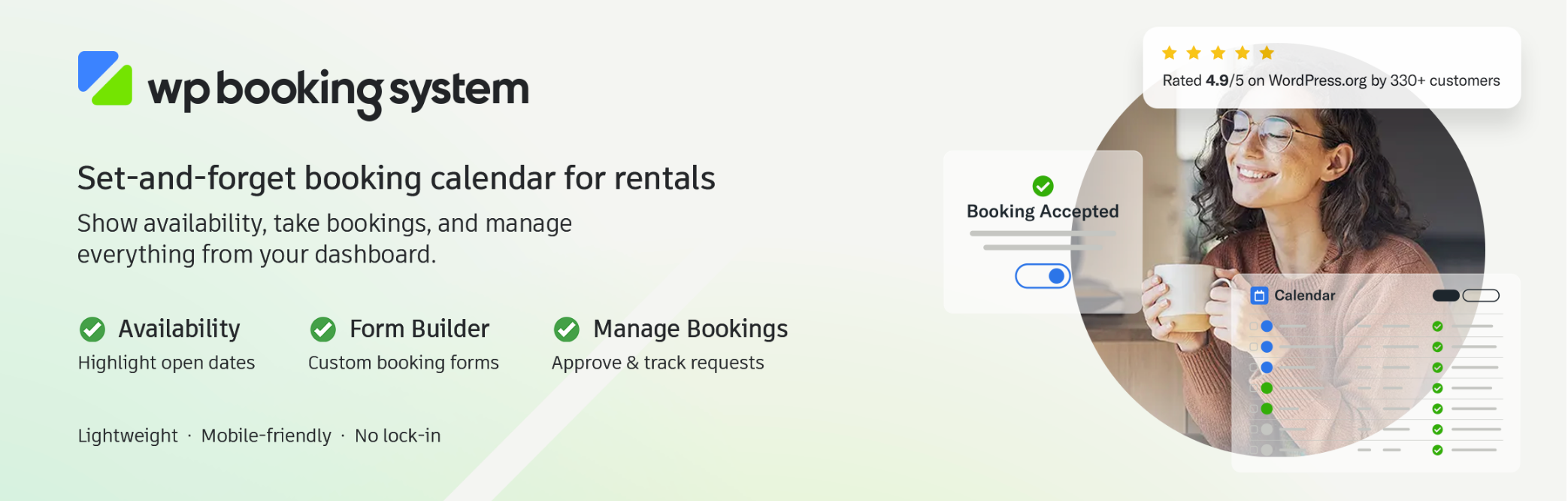
WP Booking System is a simple booking calendar built for daily rentals. It’s used on 20,000+ sites and has an excellent 4.9/5 rating from over 340 reviews on WordPress.org.
It’s best for one property or a handful of rooms, like a holiday home, cabin, or small guesthouse. You create a calendar, attach a booking form, and guests pick their dates and submit a request.
The free version now includes split days for arrival and departure, booking limits (min and max stay), and automatic blocking of booked dates. Premium adds online payments, pricing, seasonal rates, and iCal sync with Airbnb and Booking.com.
Features
-
Availability calendar and booking form
-
Split days for check-in and check-out
-
Min and max stay rules
-
Auto-block booked dates
-
Seasonal rates, deposits, and discounts (Premium)
-
iCal import and export (Premium)
-
Stripe, PayPal, Square, Mollie, and more (Business plan)
-
SMS notifications and invoices (Business plan)
Pros
-
Very easy to set up
-
Highly rated support
-
Lightweight
Cons
-
Free version is limited to one calendar
-
Personal plan only supports offline payments
-
Not built for large hotels with many room types
Pricing
WP Booking System has a free version on WordPress.org. Premium starts at $79/year (1 site, offline payments), $149/year (5 sites, online payments), and $249/year for unlimited sites.
7 WooCommerce Bookings

WooCommerce Bookings is the official booking extension from WooCommerce. It turns any product into a bookable item with dates, durations, and availability rules.
For hotels, you pair it with the free Accommodation Bookings add-on. This adds overnight stays with a site-wide check-in and check-out time, so night-based bookings work the way guests expect.
It’s a natural fit if you already run a WooCommerce store and want to sell rooms alongside extras like tours, spa sessions, or merchandise. Every WooCommerce payment gateway works out of the box.
Features
-
Bookable products with date ranges
-
Resources (rooms) with their own availability
-
Per-person and group pricing
-
Buffer periods between bookings
-
Booking confirmation and cancellation rules
-
Google Calendar sync
-
Free Accommodation Bookings add-on
Pros
-
Official extension from WooCommerce
-
Works with any WooCommerce gateway
-
Huge ecosystem of add-ons
Cons
-
Low rating (2.7/5 on WooCommerce.com)
-
Deposits need a separate $219/year extension
-
Users report weak multi-calendar sync with Booking.com
Pricing
WooCommerce Bookings costs $249/year. The Accommodation Bookings add-on is free.
8 Booking Calendar
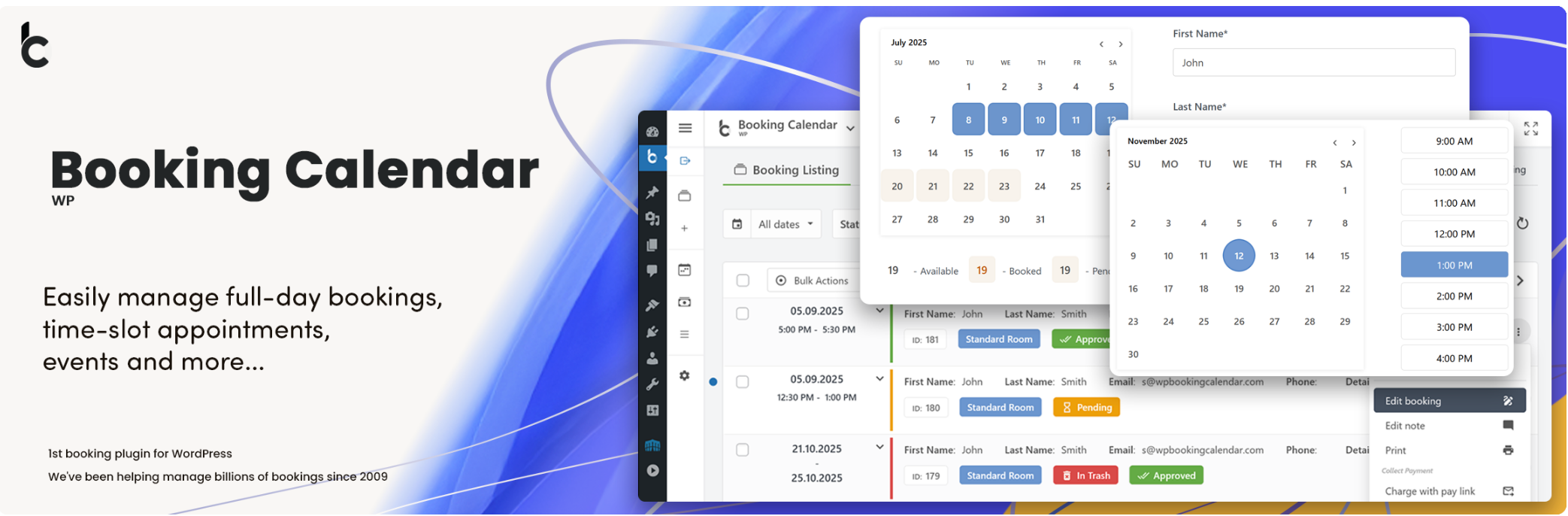
Booking Calendar by wpdevelop is one of the oldest booking plugins for WordPress, with 40,000+ active installs and a 4.8/5 rating from over 650 reviews.
The free version handles full-day bookings with a check-in and check-out flow, prevents double bookings, and can import events from Airbnb, Booking.com, and VRBO through .ics feeds (with the free Booking Manager plugin).
The paid editions are where it becomes a real hotel system. You get multiple rooms, online payments, changeover days, seasonal prices, deposits, and an availability search for guests.
Features
-
Full-day and time-slot bookings
-
Double booking prevention
-
Drag and drop form builder
-
.ics sync with OTAs
-
Google Calendar import
-
Online payments and changeover days (Business Small)
-
Seasonal prices and deposits (Business Medium)
-
Availability search and coupons (Business Large)
Pros
-
Large user base and strong ratings
-
One-time payment for paid editions
-
Useful free version
Cons
-
Hotel features are spread across several paid tiers
-
Only 6 months of free updates with paid editions
-
Advanced setup may need some HTML and CSS
Pricing
Booking Calendar is free on WordPress.org. Paid editions are one-time purchases (regular prices): Personal $79, Business Small $149, Business Medium $249, and Business Large $349 for one site.
How To Choose a WordPress Hotel Booking Plugin
The right plugin depends on the size of your property and how you sell your rooms. Here’s what to check before you pick one.
Property type and size. A single villa or cabin only needs a simple calendar like WP Booking System. A hotel with several room types needs proper room inventory, like MotoPress or VikBooking.
OTA and channel sync. If you also list on Booking.com or Airbnb, you need calendar sync to avoid double bookings. iCal sync (MotoPress Pro, WP Booking System Premium, Tourfic Pro) works for most small properties. Busy hotels may want a real channel manager like VikBooking’s.
Payments and deposits. Check which gateways are built in and whether you can take a deposit. Some plugins only support offline payments in their cheapest plan.
Seasonal pricing. Most hotels charge more in peak season and on weekends. Make sure the plugin supports seasons, length-of-stay rates, and per-guest pricing.
Extras and add-ons. Breakfast, airport pickup, and late checkout are easy upsells. Look for bookable extras at checkout.
Theme and page builder. Check that the plugin works with your theme and builder (Gutenberg, Elementor, or Divi). Some vendors also sell matching hotel themes.
Pricing model. Yearly licenses keep updates and support coming. One-time licenses (HBook, Booking Calendar) cost less over time but may limit updates.
FAQs About WordPress Hotel Booking Plugins
Can I build a hotel booking website with WordPress for free?
Yes. MotoPress Hotel Booking Lite, VikBooking, WP Hotel Booking, Tourfic, WP Booking System, and Booking Calendar all have free versions. They cover the basics like availability calendars and booking forms. Online payments and OTA sync usually need a paid upgrade.
Can a hotel booking plugin sync with Booking.com and Airbnb?
Yes. Most plugins here support iCal sync, which shares your availability with OTAs every few minutes. VikBooking goes further with a full channel manager that connects directly to the OTA APIs.
What’s the difference between a hotel booking plugin and an appointment booking plugin?
Hotel booking plugins sell nights and rooms, with check-in and check-out dates, seasonal rates, and room inventory. Appointment plugins sell time slots with staff or services, like a haircut or a consultation.
Do I need WooCommerce to take hotel bookings?
No. MotoPress, VikBooking, HBook, WP Hotel Booking, WP Booking System, and Booking Calendar all work without it. Tourfic and WooCommerce Bookings need WooCommerce.
Which plugin is best for a single vacation rental?
WP Booking System is the simplest choice for one property. MotoPress Hotel Booking also works well and gives you room to grow.
Conclusion
The best WordPress hotel booking plugin depends on your property and budget. Here are our quick picks:
- Best overall: MotoPress Hotel Booking
- Best free option: WP Hotel Booking
- Best for professional hotels: VikBooking
- Best for a single rental: WP Booking System
- Best for WooCommerce stores: WooCommerce Bookings
Running a different kind of business? Check out our lists of the best WordPress restaurant reservation plugins and the best hair salon booking plugins.

Leave a Reply