

Quizzes are one of the easiest ways to get people to interact with your website. A fun personality quiz can collect hundreds of email signups, and a simple knowledge test can turn a boring lesson into something students actually finish.
The problem is that WordPress doesn’t come with a quiz feature. You can fake one with a regular form, but you won’t get scoring, correct answers, timers, or result pages that change based on what people picked.
That’s what a quiz plugin fixes. It lets you build trivia, personality, and graded quizzes, show results instantly, and save every submission so you can see how people did.
Quizzes are also not the same as surveys. A quiz has right answers or result types, while a survey just collects opinions. (If you need feedback forms instead, check out our list of the best WordPress survey plugins.)
In this post, we’ve picked the 8 best WordPress quiz plugins for bloggers, marketers, teachers, and businesses. Some are free, some are premium, and most give you both options. Let’s dive in.
|
# |
PLUGIN |
FREE VERSION |
RATING |
DETAILS |
|---|---|---|---|---|
|
1 |
Quiz and Survey Master ★ Best overall |
✓ Yes |
★ 4.7/5 WordPress.org · 40,000+ installs | |
|
2 |
Quiz Maker by AYS ★ Best for advanced features |
✓ Yes |
★ 4.9/5 WordPress.org · 20,000+ installs | |
|
3 |
Forminator ★ Best free option |
✓ Yes |
★ 4.8/5 WordPress.org · 600,000+ installs | |
|
4 |
Thrive Quiz Builder ★ Best for lead generation |
Premium only |
Not rated Premium only, not on WordPress.org | |
|
5 |
Formidable Forms ★ Best for scored quizzes |
Paid plans only |
★ 4.8/5 WordPress.org · 300,000+ installs | |
|
6 |
Quiz Cat ★ Best for viral quizzes |
✓ Yes |
★ 4.7/5 WordPress.org · 4,000+ installs | |
|
7 |
HD Quiz ★ Best lightweight option |
✓ Yes |
★ 4.9/5 WordPress.org · 6,000+ installs | |
|
8 |
Gravity Forms Quiz Add-On ★ Best for Gravity Forms users |
Premium only |
Not rated Premium only, not on WordPress.org |
Ratings from WordPress.org unless noted. Checked November 2026.
1 Quiz and Survey Master

Quiz and Survey Master (QSM) is one of the most complete free quiz plugins for WordPress. It has over 40,000 active installs and a 4.7/5 rating from more than 1,280 reviews on WordPress.org. Teachers, course creators, marketers, and HR teams all use it.
The free version is surprisingly generous. You get unlimited quizzes and surveys, more than 12 question types (multiple choice, true or false, dropdown, fill in the blank, file upload, and more), point and correct-answer grading, contact fields, and email templates for results. Every submission is saved in your dashboard, so you can review answers later.
Paid add-ons and bundles unlock conditional logic, advanced question types, an advanced timer, leaderboards, a gradebook, result exports, and integrations with Google Sheets, Zapier, webhooks, and WooCommerce. The plugin is very active too: version 11.3.0 came out on November 2, 2026.
Features
-
Unlimited quizzes and surveys
-
12+ question types
-
Points and correct-answer grading
-
Contact fields to capture leads
-
Custom result pages and emails
-
Submission tracking in the dashboard
-
Conditional logic (Pro)
-
Leaderboards and gradebook (Pro)
-
Google Sheets, Zapier and webhooks (Pro)
Pros
-
Very capable free version
-
Works for quizzes and surveys
-
Lifetime licenses available
-
Frequent updates
Cons
-
Key features are spread across many add-ons
-
Bundles are pricey for one site
-
Only a 14-day refund window
Pricing
Quiz and Survey Master is free on WordPress.org. Paid bundles cost $149/year for one site, $199/year for 3 sites, $249/year for 10 sites, or $299/year for All Access (10 sites plus all themes). Lifetime versions cost $447, $597, $747, and $897. Single add-ons are also sold separately. Refunds are available within 14 days.
2 Quiz Maker by AYS
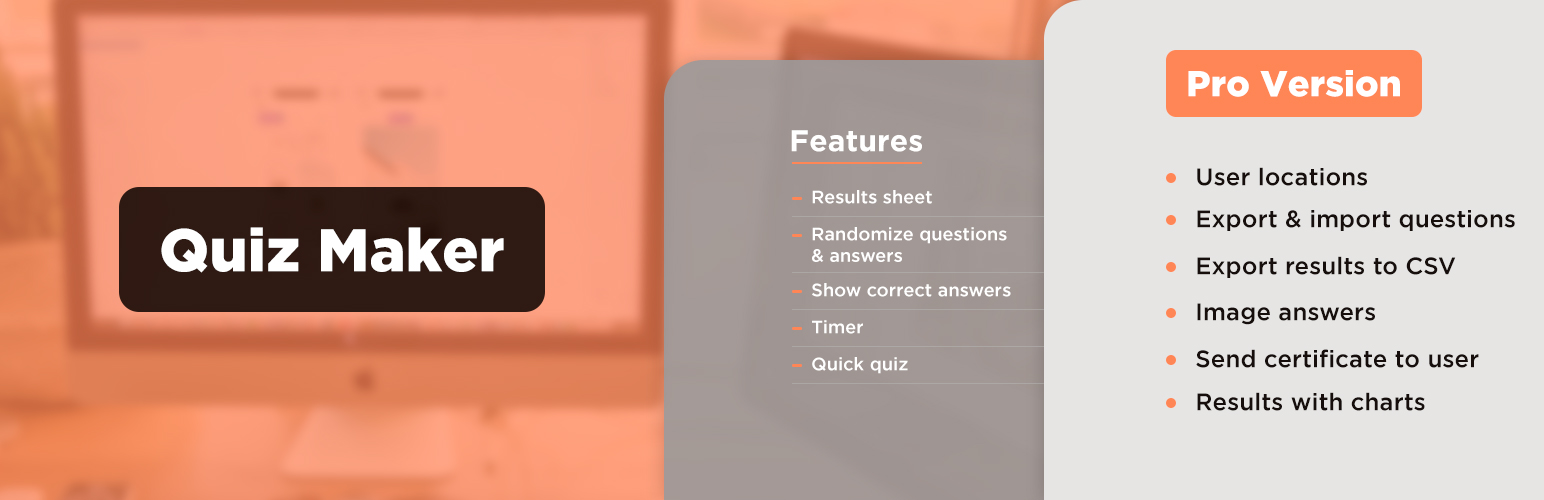
Quiz Maker by AYS is a feature-packed quiz builder with over 20,000 active installs and a 4.9/5 rating from 600+ reviews on WordPress.org. It works well for online tests, exams, trivia, and lead generation quizzes.
Even the free version lets you randomize questions and answers, show correct answers, add a timer, and view a results sheet. The builder is a bit busy at first, but you get control over almost every detail, from the start page to the result messages.
The paid plans add image answers, certificates sent to users, results with charts, user location data, import and export of questions, and CSV exports of results. You also get personality quizzes, PayPal and Stripe for paid quizzes, leaderboards, and integrations like Mailchimp and Zapier. The latest version (6.7.1.97) was released on October 30, 2026.
Features
-
Unlimited quizzes and questions
-
Randomized questions and answers
-
Quiz timer
-
Show correct answers after submit
-
Results sheet in the dashboard
-
Personality quizzes (Pro)
-
Certificates for users (Pro)
-
Paid quizzes with PayPal and Stripe (Pro)
-
Results export to CSV (Pro)
Pros
-
Huge feature list
-
Very high user rating
-
Low starting price
-
30-day refund
Cons
-
Settings screens feel crowded
-
Plan differences are not very clear on the pricing page
-
Lots of upsells inside the free plugin
Pricing
Quiz Maker has a free version on WordPress.org. Paid plans are listed as one-time payments: Business is $49 for 5 sites, Developer is $195 for unlimited sites, and Agency is $355 for unlimited sites. The pricing page also mentions one year of updates and support, so check the update terms before you buy. Refunds are available within 30 days.
3 Forminator
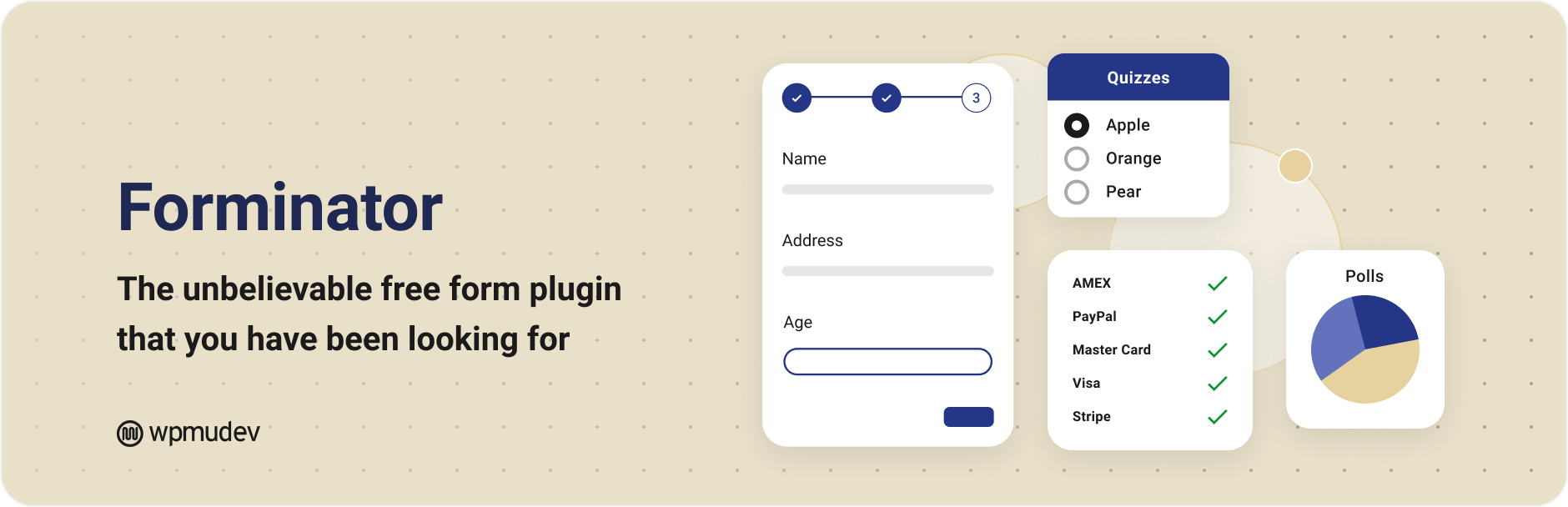
Forminator is a free form builder from WPMU DEV that also builds quizzes. It has over 600,000 active installs and a 4.8/5 rating from more than 2,100 reviews on WordPress.org, so it’s one of the most trusted plugins on this list.
You can create knowledge quizzes (right or wrong answers) and personality quizzes (no wrong answers, just results) in the free version. You can add a lead capture form before results, send emails to participants, and let people share their results on social media. All of that is free.
Forminator Pro mostly adds form features like e-signatures, PDF generation, geolocation, and Stripe subscriptions, not quiz features. So if quizzes are your main goal, the free version will likely be all you need. Version 1.58.4 came out on November 2, 2026.
Features
-
Knowledge quizzes
-
Personality quizzes
-
Lead capture form before results
-
Email notifications to participants
-
Social sharing of results
-
Paginated quizzes
-
Also builds forms, polls, and payment forms
-
E-signatures and PDFs (Pro)
Pros
-
Quizzes are free
-
Huge user base and great ratings
-
Clean, modern builder
-
One plugin for forms, polls, and quizzes
Cons
-
Fewer quiz settings than dedicated quiz plugins
-
No certificates or leaderboards
-
Pro plans focus on forms, not quizzes
Pricing
Forminator is free on WordPress.org, and the free version includes quizzes. Forminator Pro costs $50/year for one site, $75/year for 3 sites, or $100/year for 10 sites. It’s also part of the WPMU DEV membership. Refunds are available within 30 days.
4 Thrive Quiz Builder
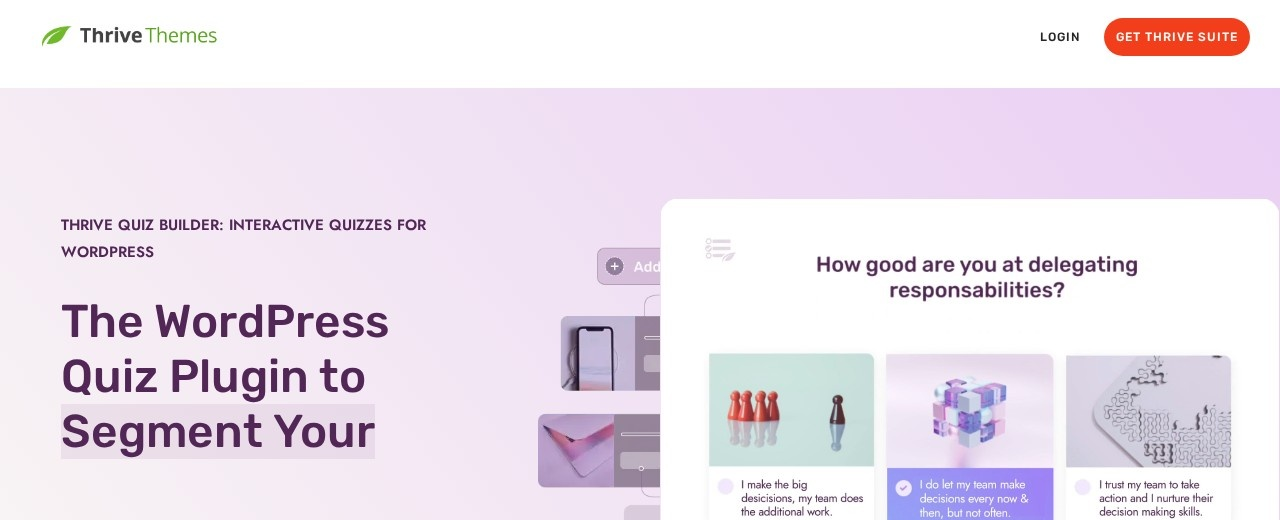
Thrive Quiz Builder is a premium quiz plugin made for marketers. Instead of grading tests, it focuses on quizzes that grow your email list and help you learn what your visitors want. It’s made by Thrive Themes, the team behind Thrive Leads and Thrive Architect.
You can build quizzes that give a number, a percentage, or a category as the result. Branching logic sends people to different questions based on their answers. You can also put an opt-in form before the results, tag people based on their answers, and send them to different result pages or URLs.
The best part for marketers is A/B testing. You can split test questions, quiz flows, and result pages, then check the analytics to see which version gets more opt-ins. There is no free version, and the plugin covers fewer question types than QSM or Quiz Maker.
Features
-
Number, percentage, and category results
-
Branching logic between questions
-
Opt-in gate before results
-
Tags based on answers
-
Custom result pages or redirects
-
A/B testing of questions and results
-
Quiz analytics
-
Works with Thrive Leads and email tools
Pros
-
Built for list building and segmentation
-
Built-in A/B testing
-
Polished quiz templates
-
30-day refund
Cons
-
No free version
-
Renewals jump to full price
-
Only a few question types
Pricing
Thrive Quiz Builder costs $99/year for one site as an intro price, then renews at $199/year. It’s also part of Thrive Suite, which costs $299/year (renews at $599/year) for up to 5 sites and includes all Thrive plugins. There is no lifetime plan. Refunds are available within 30 days.
5 Formidable Forms
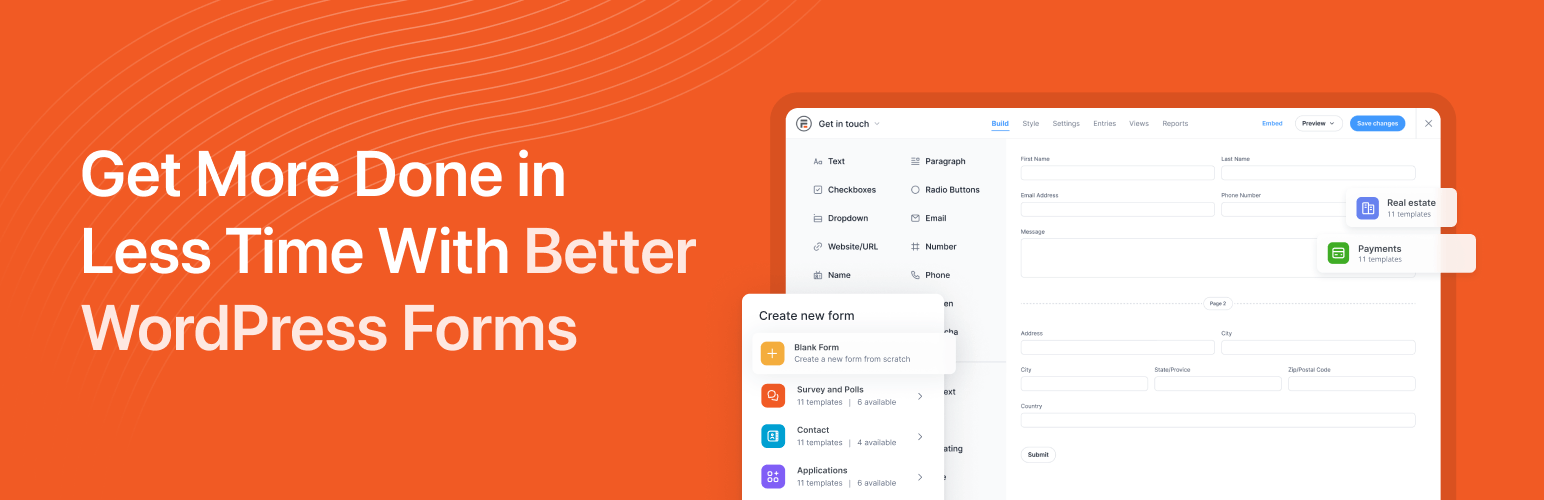
Formidable Forms is a powerful form builder with over 300,000 active installs and a 4.8/5 rating from 1,380+ reviews on WordPress.org. Its Quiz Maker add-on turns it into a serious quiz tool, but note that quizzes are a premium feature. The free Lite plugin can’t build them.
You can make scored quizzes (trivia or tests) and outcome quizzes (personality style). Scoring can be automatic, advanced, or manual, and you can show the score as a fraction, a percentage, or a letter grade. Questions and answers can be randomized, and a countdown timer can submit the quiz when time runs out.
Because it’s a full form builder, you can also use calculations, conditional logic, and views to display results in custom ways. That makes it a great pick for teachers and businesses that already use Formidable for forms.
Features
-
Scored (trivia) quizzes
-
Outcome (personality) quizzes
-
Automatic, advanced, or manual scoring
-
Letter grades, percentages, or fractions
-
Randomized questions and answers
-
Countdown timer with auto submit
-
Content that changes based on the score
-
Emailed results
Pros
-
Very flexible scoring options
-
Part of a full-featured form builder
-
Great reviews
-
Good for graded tests
Cons
-
Quizzes need the Business plan or higher
-
Renewal prices are much higher than the first year
-
Only a 14-day refund window
Pricing
Formidable Forms Lite is free on WordPress.org, but quizzes need Formidable Business or Elite. Business is $159.60 for the first year (then $399/year) for 7 sites, and Elite is $239.60 for the first year (then $599/year) for unlimited sites. Refunds are available within 14 days.
6 Quiz Cat

Quiz Cat by Fatcat Apps is a simple quiz plugin for fun, shareable quizzes, the kind you see on BuzzFeed. It has over 4,000 active installs and a 4.7/5 rating on WordPress.org.
The free version lets you build unlimited multiple-choice trivia quizzes with images, and embed them with a shortcode or block. The quizzes look good on mobile, and the builder is easy enough for beginners.
Quiz Cat Premium adds personality and weighted quizzes, timed quizzes, email capture with email marketing integrations, Zapier and webhooks, redirects after the quiz, social sharing, and Facebook Pixel tracking. Version 3.2.0 was released on September 25, 2026.
Features
-
Unlimited multiple-choice quizzes
-
Image questions and answers
-
Shortcode and block embedding
-
Mobile-friendly layouts
-
Personality and weighted quizzes (Pro)
-
Timed quizzes (Pro)
-
Email capture and integrations (Pro)
-
Social sharing and Facebook Pixel (Pro)
Pros
-
Very easy to use
-
Quizzes look good out of the box
-
Generous 60-day refund
Cons
-
Smaller user base
-
Mostly multiple-choice questions
-
Lead capture is premium only
Pricing
Quiz Cat has a free version on WordPress.org. Premium costs $69/year for one site, $99/year for 3 sites, or $149/year for unlimited sites with priority support. There is no lifetime plan. Refunds are available within 60 days.
7 HD Quiz
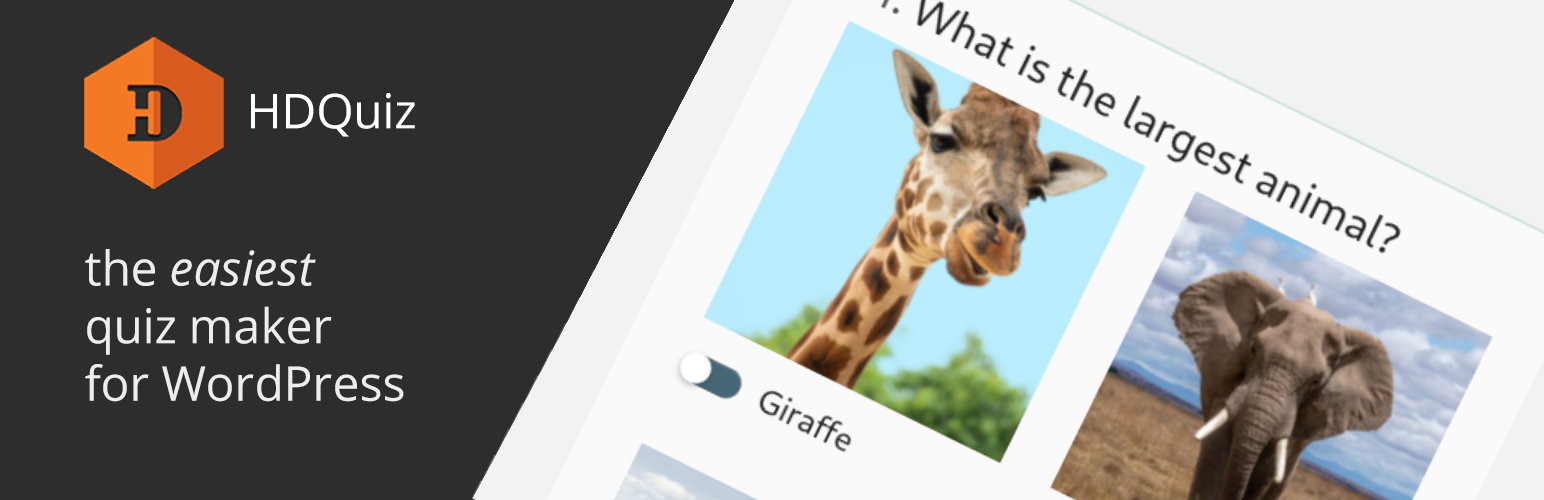
HD Quiz is a free and lightweight quiz plugin by Harmonic Design. It has over 6,000 active installs and a 4.9/5 rating from 140+ reviews on WordPress.org. If you just want simple trivia or knowledge quizzes, it’s a great fit.
You get unlimited quizzes and questions, with up to 10 answers per question. Questions can be text, images, select all that apply, or text input. You can add timers, randomize questions, pull questions from a pool, use weighted answers, and set your own pass percentage.
It’s built with speed and accessibility in mind (no jQuery, WCAG friendly) and comes with a Gutenberg block. Optional add-ons let you style quizzes and save results. The catch: results are pass or fail only, so it’s not made for personality quizzes.
Features
-
Unlimited quizzes and questions
-
Text, image, and text-input questions
-
Timers per quiz or per question
-
Question pools and randomization
-
Weighted answers and pass percentage
-
Show correct answers instantly or at the end
-
Gutenberg block, no jQuery
-
Social sharing of results
Pros
-
Free and lightweight
-
Fast and accessible
-
Excellent rating
Cons
-
Pass or fail results only
-
Saving results needs an add-on
-
Some reports of caching conflicts
Pricing
HD Quiz is completely free on WordPress.org. Harmonic Design also offers optional add-ons for styling and saving results. We couldn’t verify the add-on prices, so check the HD Quiz website for current pricing.
8 Gravity Forms Quiz Add-On
Gravity Forms Quiz Add-On is the quiz extension for Gravity Forms, one of the best-known premium form plugins for WordPress. It’s a good choice if your site already runs on Gravity Forms and you want graded quizzes that use the same forms, entries, and add-ons.
The add-on grades quizzes automatically. You can set a pass mark, use letter grades, or give different scores to different answers. A results dashboard shows averages, grade frequency, and each person’s results.
There are two catches. The Quiz Add-On is only included in the Elite license (or the nonprofit plan), and it’s built for graded quizzes, not personality quizzes. There’s also no free version or trial.
Features
-
Automatic grading
-
Pass or fail with a passing percentage
-
Letter grades
-
Weighted answer scores
-
Results dashboard with averages
-
Works with all Gravity Forms add-ons
-
Conditional logic from Gravity Forms
Pros
-
Rock-solid form platform
-
Great for graded tests and training
-
Unlimited sites on Elite
Cons
-
Needs the most expensive license
-
No personality quiz mode
-
No free version or trial
Pricing
The Gravity Forms Quiz Add-On is included with the Elite license, which costs $259/year for unlimited sites. The Basic ($59/year) and Pro ($159/year) licenses don’t include it. Refunds are available within 30 days.
How To Choose a WordPress Quiz Plugin
The right quiz plugin depends on what kind of quiz you want to make and what you want it to do for you. Here’s what to check before you pick one.
Quiz type. Trivia and knowledge quizzes need correct answers and scoring. Personality quizzes need result types instead. Quiz and Survey Master, Quiz Maker, Forminator, and Formidable Forms handle both, while HD Quiz and the Gravity Forms Quiz Add-On are made for graded quizzes.
Lead generation. If the goal is to grow your email list, look for an opt-in step before results and integrations with your email tool. Thrive Quiz Builder is built around this, and Quiz Cat Premium and Forminator also capture leads.
Grading and reports. Teachers and trainers need pass marks, grades, and a way to review results. Formidable Forms, Gravity Forms, and QSM’s gradebook add-on are strong here.
Question types. Check that the plugin supports the questions you need, like images, fill in the blank, or file uploads. QSM and Quiz Maker have the widest range.
Free version limits. Forminator, HD Quiz, and QSM give you a lot for free. Formidable Forms, Thrive Quiz Builder, and Gravity Forms need a paid plan before you can make any quiz.
Speed and ease of use. A simple plugin like HD Quiz or Quiz Cat is quick to set up and light on your site. Feature-heavy tools take longer to learn.
Pricing model. Most plugins here charge yearly, and some renew at a higher price. QSM offers lifetime licenses, and Quiz Maker lists one-time prices, so check the renewal terms before you buy.
FAQs About WordPress Quiz Plugins
Can I create a quiz in WordPress for free?
Yes. Quiz and Survey Master, Quiz Maker, Forminator, Quiz Cat, and HD Quiz all have free versions that let you build quizzes. Forminator and QSM even include lead capture and result emails for free.
What’s the best quiz plugin for personality quizzes?
Forminator is the best free option for personality quizzes. If you want to use them for lead generation, Thrive Quiz Builder gives you opt-in gates, tags, and A/B testing.
Can I collect email addresses with a quiz?
Yes. Most plugins let you add a form before or after the results. Thrive Quiz Builder, Quiz Cat Premium, and Quiz Maker’s paid plans also connect to email marketing tools.
Can I sell access to a quiz or charge for it?
Quiz Maker’s paid plans support PayPal and Stripe for paid quizzes. You can also put a quiz behind a membership or course plugin.
Do I need an LMS plugin to make quizzes for my course?
Not always. A quiz plugin works fine for standalone tests. But if you sell full courses with lessons and progress tracking, an LMS plugin with built-in quizzes may be a better fit.
Will a quiz plugin slow down my site?
Most of them only load their files on pages with a quiz. HD Quiz is the lightest option here because it doesn’t use jQuery.
Conclusion
The best WordPress quiz plugin depends on the type of quiz you want to make and your budget. Here are our quick picks:
- Best overall: Quiz and Survey Master
- Best free option: Forminator
- Best for advanced features: Quiz Maker by AYS
- Best for lead generation: Thrive Quiz Builder
- Best for graded tests: Formidable Forms
Want to do more with your forms? Check out our lists of the best WordPress form builder plugins and the best WordPress LMS plugins.
Disclosure: This post contains affiliate links. That means if you make a purchase by following any of the affiliate links, we’ll get a small commission without any extra cost to you.

Leave a Reply