

Elementor has passed 10 million active installations, which makes it the most used page builder in WordPress by a wide margin. Most people who build a WordPress site without code today are building it with Elementor.
The free version covers the basics, and Elementor Pro adds the theme builder, forms, and popups. But the real reason Elementor took off is the add-on ecosystem: dozens of third-party plugins that bolt extra widgets, templates, and features onto the editor.
The problem is choosing. Some add-ons have 100+ widgets, some have 20 carefully built ones, some are free, and some cost more than Elementor Pro itself. Installing three of them at once is a good way to slow your site down.
To help you pick the right one, I have compared the best Elementor add-ons available in 2026, with current widget counts, pricing, and who each one suits. Prices below are for the single-site yearly license unless noted, and several of them have WPLeaders coupon codes.
Best Elementor Add-ons Compared
| Add-on | Widgets | Free Version? | Pro Price (1 site) |
|---|---|---|---|
| Essential Addons | 120+ | Yes (50+) | $45/yr |
| ElementsKit | 90+ | Yes | $39/yr |
| The Plus Addons | 120+ | Yes | $39/yr |
| Premium Addons | 90+ | Yes (30+) | $39/yr |
| Royal Addons | 90+ | Yes (most) | $29/yr |
| HappyAddons | 160 | Yes (50+) | $35/yr |
| Element Pack | 100+ | Yes | $49/yr |
| Unlimited Elements | 300+ library | Yes | $49/yr |
| Ultimate Addons | 70+ | Yes | $69/yr (3 sites) |
| PowerPack | 90+ | Yes (40+) | $49/yr |
| HT Mega | 145+ | Yes (100) | $29/yr or $159 lifetime |
| Exclusive Addons | 100+ | Yes (30+) | $29/yr |
| JetElements | 42 | No | $75/yr |
| Stratum | 40+ | Yes (20+) | $29/yr |
| Master Addons | 80+ | Yes (30+) | $39/yr |
| Responsive Addons | 80+ | Free only | Free |
| Designer Powerup | Workflow tools | Trial | $19/yr |
| WidgetKit | 20+ | Yes | $39/yr |
| Addon Elements | 30 | Free only | Free |
| Elementor Extras | 30+ | No | About $28/yr |
1. Essential Addons for Elementor
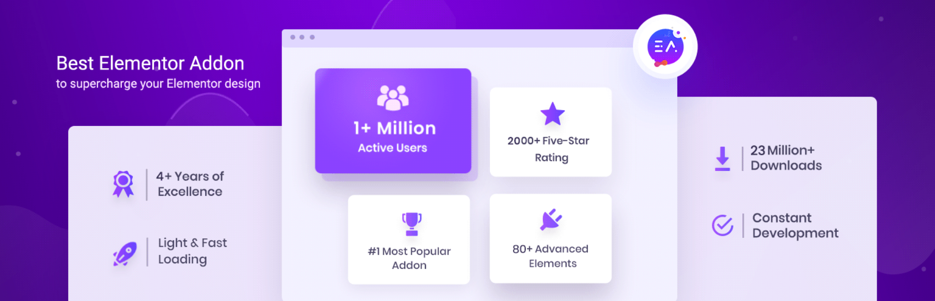
Essential Addons is the most installed Elementor add-on on WordPress.org, with over 1 million active installs and a 4.9-star rating. It offers 120+ widgets and extensions, split into content, dynamic content, marketing, creative, form styler, and social groups, plus a library of more than 3,000 ready templates.
The free version alone includes 50+ widgets, which is more than many paid add-ons. Pro adds the heavier hitters: advanced data tables, WooCommerce product grids and checkout styling, post carousels, Lottie animations, and integrations with most form builders and email tools.
Everything is modular. You switch off the widgets you don’t use from one settings screen, so a large plugin doesn’t have to mean a slow site. Updates ship almost weekly, which is a good sign for a plugin you will depend on for years.
Key features:
- 120+ widgets and extensions, 50+ of them free
- 3,000+ ready-made templates and blocks
- WooCommerce, form, and social feed widgets
- Modular: turn individual widgets on or off
- Updated almost every week
PROS: Huge widget library, excellent free version, and the largest user base, so bugs get found and fixed fast.
CONS: With this many widgets it is easy to over-install. Some pro widgets overlap with Elementor Pro’s own features.
Pricing: Free version on WordPress.org. Pro is $3.75 per month billed yearly (about $45) for one site, $6.99 per month billed yearly for unlimited sites, or $194.99 one-time for lifetime unlimited.
Use the coupon code “WPLEADERS” to get an extra 10% off.
2. ElementsKit
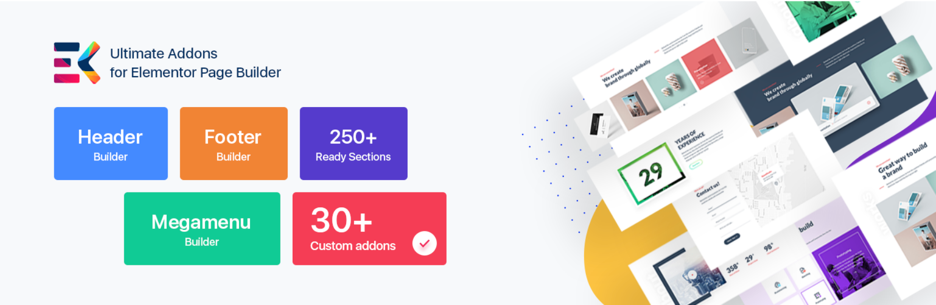
ElementsKit by Wpmet is the other add-on with a million-plus installs, and it takes a slightly different approach: beyond widgets, it adds builders. There is a header and footer builder, a mega menu builder, a widget builder that lets you create your own widgets without code, and a one-page scroll module.
The widget list runs to 90+, including a good set of WooCommerce elements (product carousel, mini cart, category list), social feeds for Instagram, Facebook, and Twitter, and form stylers for every major form plugin. The template library has 500+ ready sections and dozens of full pages.
It pairs with MetForm, Wpmet’s form builder, if you want forms designed inside Elementor. ElementsKit is lightweight for its size, and like Essential Addons it lets you disable anything you are not using.
Key features:
- 90+ widgets, 500+ ready blocks, and full-page templates
- Header, footer, mega menu, and widget builders
- Advanced parallax, sticky, and conditional content features
- WooCommerce and social feed widgets
- Cross-domain copy and paste
PROS: Strong builders on top of the widgets, very popular, and the Personal plan is good value.
CONS: The free version is more limited than Essential Addons, and some advanced effects need the Pro plan.
Pricing: Free version on WordPress.org. Pro starts at $39 per year for one site, $87 per year for five sites, and $179 per year for unlimited sites. Lifetime licenses start at $119.
3. The Plus Addons for Elementor
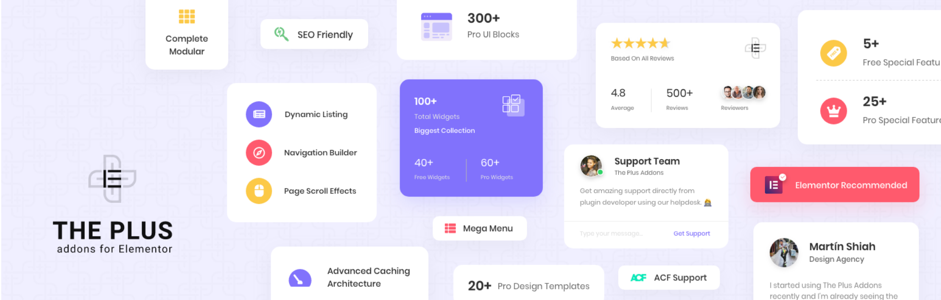
The Plus Addons has 120+ widgets and leans toward site builders who want everything in one plugin: a blog builder, a WooCommerce builder for cart and checkout pages, a mega menu, a popup builder, and a header builder.
It also includes some of the more unusual extras, such as Facebook and Google event tracking, a custom skin loop builder for post layouts, social feeds and reviews, and an AI content helper. A widget scanner finds and disables the widgets you are not using.
Through the WDesignKit library you get 1,000+ templates and the ability to copy a design from their site straight into yours.
Key features:
- 120+ widgets and extensions
- Blog, WooCommerce, mega menu, popup, and header builders
- 1,000+ templates via WDesignKit
- One-click scanner to disable unused widgets
- Event tracking and social feed widgets
PROS: One of the broadest feature sets available, with good WooCommerce coverage.
CONS: The free version is relatively small, and the sheer number of options can be overwhelming for beginners.
Pricing: Free version on WordPress.org. Pro is $39 per year for one site, $89 per year for five sites, and $129 per year for unlimited sites. Lifetime licenses start at $139.
Use the coupon code “WELOVEWPLEADERS” to get an extra 10% off.
4. Premium Addons for Elementor

Premium Addons by Leap13 has over 600,000 active installs and a 4.9-star rating. It offers 90+ widgets and global add-ons, with 580+ templates, and it is one of the few add-ons that supports Elementor’s newer features (such as containers and nested elements) on the day they ship.
The free version has a solid 30+ widgets, including a media grid, pricing table, carousel, modal box, countdown, and Google Maps. Pro unlocks tables, tabs, off-canvas menus, a parallax and particles background, Google and Facebook reviews, Messenger chat, and a dynamic social feed.
Performance is a focus: assets are loaded only where a widget is used, and every widget can be switched off. For a general-purpose add-on with a strong free tier, this is one of the safest picks.
Key features:
- 90+ widgets and global add-ons, 30+ free
- 580+ templates
- Reviews, social feed, and Messenger chat widgets
- Loads assets only where widgets are used
- Fast support for new Elementor features
PROS: Well built, well maintained, and generous in the free version.
CONS: Fewer builders (no header or mega menu builder) than ElementsKit or The Plus.
Pricing: Free version on WordPress.org. Pro is $39 per year for one site, $79 per year for unlimited sites, or $249 one-time for a lifetime license.
5. Royal Addons for Elementor
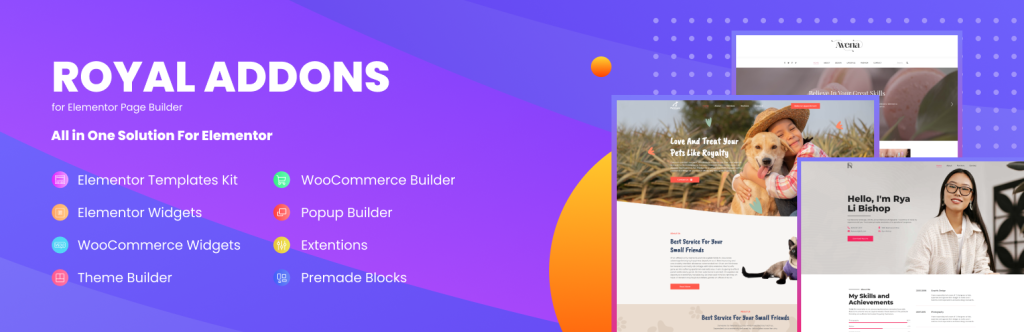
Royal Addons is a newer entry that has grown quickly to 600,000+ installs with a 4.8-star rating. It offers 90+ widgets, 70+ template kits, and more than 50 premade widget templates, and a large share of it is free.
The free version includes an unusual amount: a post grid and slider, image accordion, team members, ajax search, a mega menu, and 18 free WooCommerce widgets for product grids, cart, and checkout. Pro adds things like advanced post layouts, a login and register form, and more WooCommerce options.
If you want a free add-on that does more than the basics, Royal Addons is currently the strongest option. The pro pricing is also among the lowest on this list.
Key features:
- 90+ widgets, most of them free
- 18 free WooCommerce widgets
- 70+ template kits and 20+ popup templates
- Mega menu and ajax search in the free version
- 30-day money-back guarantee
PROS: The most generous free version on this list and very cheap Pro plans.
CONS: Newer than the others, so the template library and documentation are smaller.
Pricing: Free version on WordPress.org. Pro starts at $29 per year for one site and $79 per year for five sites.
6. HappyAddons for Elementor
HappyAddons by weDevs has 400,000+ installs and now offers 160 widgets, plus some features no other add-on has. Floating effects, CSS transforms, and GSAP animations let you animate any Elementor widget, and a theme builder, popup builder, and mega menu builder are included in Pro.
The free version includes 50+ widgets such as cards, info boxes, image compare, team member, testimonials, skill bars, and stylers for the popular form plugins. Pro adds an advanced slider, post grids and tiles, a WooCommerce set, and a template library with hundreds of ready blocks.
HappyAddons has a lot of small quality-of-life features too: cross-domain copy and paste, a live copy from their demo site, an image masking tool, and a widget to wrap any content in a scrollable or sticky container.
Key features:
- 160 widgets, 50+ free
- Floating effects, CSS transforms, and GSAP animations
- Theme, popup, and mega menu builders (Pro)
- Cross-domain and live copy from the demo site
- Form stylers for all major form plugins
PROS: Unique animation features and a very complete pro bundle from a well-known WordPress company.
CONS: The widget count has grown so large that finding the right one takes some scrolling.
Pricing: Free version on WordPress.org. Pro is $35 per year for one site, $55 per year for five sites, and $132 per year for 1,000 sites. Lifetime licenses start at $119.
7. Element Pack
Element Pack by BdThemes is the widget-heavy option. It has 100+ widgets and 2,000+ ready templates, and it reached version 10 in 2026 with AI and MCP-ready widgets added on top. If a widget exists for Elementor, Element Pack probably has it.
Beyond the usual carousels and tabs, it covers things like cookie consent, user login and registration, weather, a table of contents, Easy Digital Downloads history, TablePress integration, sticky sections, and a long list of WooCommerce widgets.
It also supports The Events Calendar, Gravity Forms, and most other popular plugins, and the free version on WordPress.org has 100,000+ installs. The downside is that it is a big plugin, so disable what you don’t use.
Key features:
- 100+ widgets and 2,000+ templates
- Integrations with WooCommerce, EDD, TablePress, and The Events Calendar
- User login, registration, and cookie consent widgets
- AI-ready widgets added in version 10
- Free version with a smaller widget set
PROS: The biggest widget library and strong third-party plugin integrations.
CONS: Heavier than most, and the unlimited license is expensive.
Pricing: Free version on WordPress.org. Pro is $49 per year for one site, $99 per year for five sites, and $199 per year for developers. Lifetime licenses start at $99.
Use the coupon code “WPLEADERS” to get an extra 20% off.
8. Unlimited Elements for Elementor

Unlimited Elements takes a different approach from everything else on this list. Instead of shipping a fixed set of widgets, it gives you a library of 300+ widgets you install individually, plus a widget creator for building your own with HTML, CSS, and JavaScript.
The library includes dynamic post grids, WooCommerce layouts, sliders, galleries, Lottie animations, social feeds, and many niche widgets you won’t find elsewhere. Because you only install what you need, the plugin stays light even though the catalog is enormous.
The free version has 300,000+ installs and includes a good selection of widgets. Pro unlocks the full library, dynamic data features, and the widget creator. It suits designers and agencies who want full control over their widgets.
Key features:
- Library of 300+ widgets, installed one at a time
- Widget creator for custom HTML, CSS, and JavaScript widgets
- Dynamic post and WooCommerce layouts
- Background effects, sliders, and galleries
- Free version with 300,000+ installs
PROS: Only loads what you install, and the widget creator is unique.
CONS: The install-what-you-need model takes some getting used to, and it is pricier than most.
Pricing: Free version on WordPress.org. Pro is $49 per year for one site, $99 per year for five sites, and $199 per year for unlimited sites. Lifetime licenses start at $199.
9. Ultimate Addons for Elementor

Ultimate Addons for Elementor (UAE) comes from Brainstorm Force, the team behind the Astra theme, Starter Templates, and SureCart. It now has 70+ widgets with a free version on WordPress.org, and it is known for clean, well-coded widgets rather than sheer quantity.
Highlights include a modal popup, timeline, business hours, Gravity Forms and other form stylers, a video gallery, advanced tables, and a set of WooCommerce widgets. UAE also ships ready-made starter sites you can import in one click, and it integrates with Astra better than anything else.
The paid plans bundle UAE with Brainstorm Force’s other products. If you already use Astra Pro, the Essential Toolkit is often the better deal than buying UAE alone.
Key features:
- 70+ widgets, free version available
- 50+ one-click starter sites
- Form stylers, modal popup, timeline, and WooCommerce widgets
- Built by the Astra theme team
- Bundles available with Astra Pro, Starter Templates, and more
PROS: Reliable code, excellent Astra integration, and well-documented.
CONS: Fewer widgets than the big three, and the lifetime price is high.
Pricing: Free version on WordPress.org. Pro is $69 per year for three sites, or $249 one-time for a lifetime license. The Essential Toolkit bundle with Astra Pro is $199 per year.
10. PowerPack Addons for Elementor
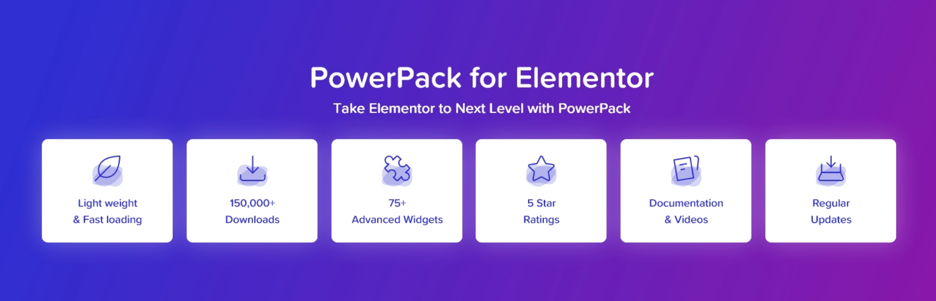
PowerPack by IdeaBox offers 90+ widgets with a focus on creative, polished elements rather than a long checklist. It is one of the add-ons professional designers tend to recommend because the widgets are built with care and the code is light.
The set includes form stylers for Gravity, Ninja, WPForms, Fluent, and Contact Form 7, plus creative widgets such as a countdown timer, popup box, table, team and logo carousels, image gallery, advanced menu, content toggle, and Google Maps. There is also a display conditions extension and a WooCommerce set.
The free version has 70,000+ installs and 40+ widgets. Pro adds the rest along with a template library and white-labeling for agencies.
Key features:
- 90+ widgets, 40+ free
- Form stylers for every major form plugin
- Display conditions and WooCommerce widgets
- White-label option for agencies
- Lightweight, well-coded widgets
PROS: High build quality and a thoughtful widget selection.
CONS: No unlimited yearly plan under $100, and the free version is smaller than the leaders.
Pricing: Free version on WordPress.org. Pro is $49 per year for one site, $79 per year for 25 sites, and $119 per year for unlimited sites. Lifetime licenses start at $159.
11. HT Mega Addons for Elementor
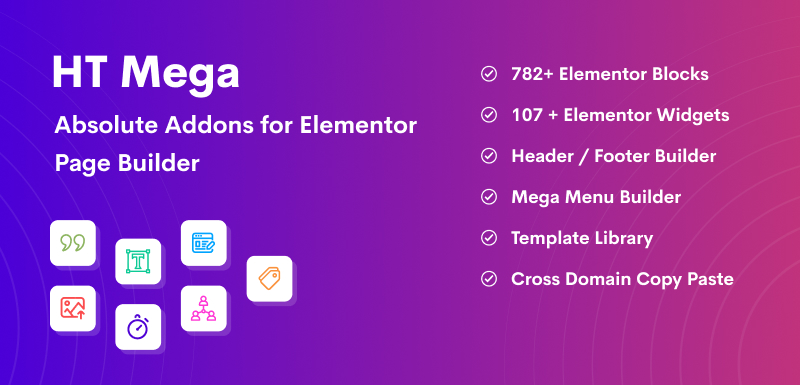
HT Mega by HasThemes has 145+ widgets, 780+ blocks, and 90+ page templates, which makes it one of the largest libraries available. It also includes a header and footer builder, a popup builder, a mega menu, and a WooCommerce builder.
The free version is unusually generous with 100 widgets. Pro adds 37 more, mostly advanced post layouts, WooCommerce elements, and the builders. The plugin supports 800+ Google fonts and includes heading animations and three portfolio layouts.
HT Mega’s rating on WordPress.org is lower than the leaders, mostly down to support and update speed, but the free version is hard to beat on raw widget count.
Key features:
- 145+ widgets, 100 of them free
- 780+ blocks and 90+ page templates
- Header, footer, popup, and mega menu builders
- WooCommerce builder
- One-time lifetime pricing
PROS: Massive free version and a cheap lifetime license.
CONS: Lower user rating than the leaders, and the plugin is heavy if you leave everything enabled.
Pricing: Free version on WordPress.org. Pro is $159 one-time for lifetime use on unlimited sites. Yearly plans start at $29 for one site.
12. Exclusive Addons for Elementor

Exclusive Addons offers 100+ widgets and extensions, with 30+ in the free version, plus 700+ ready blocks and a custom icon library of more than 3,000 icons from Feather, Remix, and Teeny icon packs, which no other add-on includes.
Free widgets include a modal popup, dual button, news ticker, image magnifier, filterable gallery, team member, testimonial, accordion, Google Map, and pricing menu. Pro adds Lottie animations, a mega menu, post navigation, slider, image hotspot, Instagram feed, and a full WooCommerce set.
The plugin is well optimized and the support team has a good reputation. It offers a 21-day money-back guarantee.
Key features:
- 100+ widgets and extensions, 30+ free
- 3,000+ custom icons
- 700+ ready blocks and 23+ templates
- Mega menu, Lottie, and WooCommerce widgets (Pro)
- 21-day money-back guarantee
PROS: Lightweight, friendly support, and the icon library is a nice extra.
CONS: Smaller template library than the bigger players.
Pricing: Free version on WordPress.org. Pro is $29 per year for one site, $89 per year for 15 sites, and $159 per year for 1,000 sites. Lifetime licenses start at $69.
Use the coupon code “WPLEADERS” to get an extra 10% off.
13. JetElements by Crocoblock
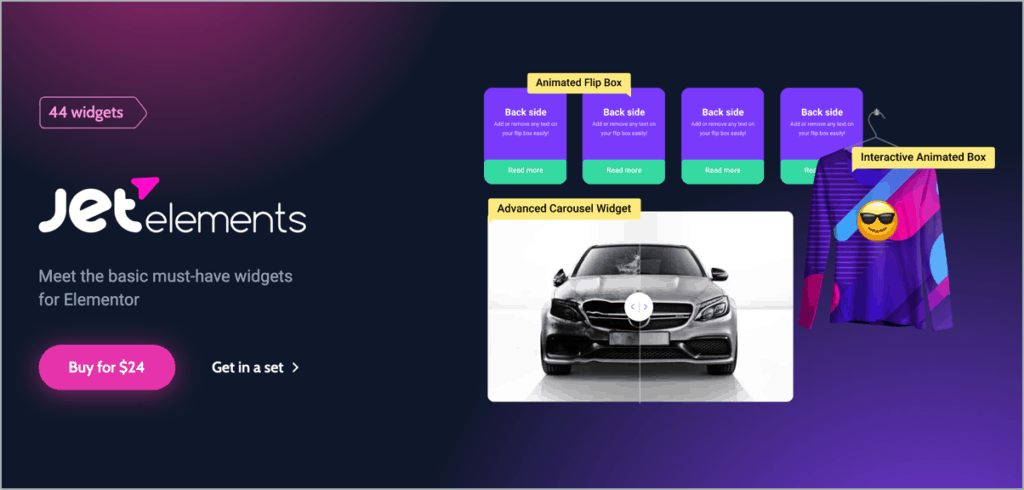
JetElements is Crocoblock’s widget add-on, and it focuses on design. The 42 widgets are polished and visually distinct: advanced carousel, circle progress, animated boxes, images layout, services, comparison tables, audio player, dropbar, and more.
It really shines as part of the full Crocoblock suite. JetEngine, JetSmartFilters, JetWooBuilder, and the rest turn Elementor into a dynamic content platform for directories, listings, and stores, and JetElements provides the front-end widgets for all of it.
There is no free version, and the standalone price has gone up, so it makes the most sense if you plan to use several Crocoblock plugins.
Key features:
- 42 design-focused widgets
- Part of the Crocoblock suite (JetEngine, JetWooBuilder, and more)
- Advanced carousel, comparison table, and audio player widgets
- Integrates with Elementor Pro theme builder
- Ready-made dynamic templates
PROS: Beautiful widgets and a path to the full Crocoblock suite.
CONS: No free version, and the standalone price is high for 42 widgets.
Pricing: JetElements alone is $75 per year for one site. The All-Inclusive Crocoblock subscription with all 23 plugins is $249 per year.
14. Stratum Widgets for Elementor

Stratum by MotoPress is a smaller add-on with 20+ free widgets and 20+ more in Pro. It is a good fit if you want a handful of well-designed extras without the weight of a 100-widget library.
The free widgets include an advanced slider, advanced posts, testimonial carousel, masonry gallery, flip box, price list, image hotspot, Google Maps, and an Instagram feed. Several of these are paid in other add-ons.
Stratum adapts to the styling of your theme instead of imposing its own look, which keeps designs consistent. Pro adds more customization options and priority support.
Key features:
- 20+ free widgets, 20+ in Pro
- Adapts to your theme’s styling
- Advanced slider, posts, and masonry gallery for free
- Lightweight, minimal design
- Priority support in Pro
PROS: Clean and lightweight, with a free version that covers a lot.
CONS: Small library and no unlimited-site plan.
Pricing: Free version on WordPress.org. Pro is $29 per year for one site, up to $79 per year for 25 sites.
15. Master Addons for Elementor
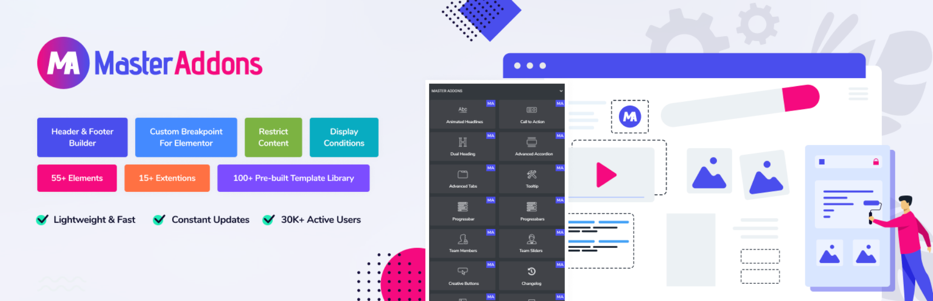
Master Addons offers 80+ widgets and 24 extensions, with theme, popup, and widget builders in Pro. The free version includes 30+ elements such as team carousel, blog grids, image hover effects, business hours, flip box, info box, and tooltip.
The template library provides ready pages and sections you can import and edit. Extensions cover things like display conditions, custom CSS, reading progress bar, and a floating effects feature.
Pricing is low, and lifetime licenses are available, which makes it a good budget choice if you don’t need the depth of the top five.
Key features:
- 80+ widgets and 24 extensions
- Theme, popup, and widget builders (Pro)
- Template library with ready pages and sections
- Display conditions and reading progress extensions
- Cheap lifetime licenses
PROS: Low price with builders included.
CONS: Smaller user base, and the free version doesn’t match the demo’s full effects.
Pricing: Free version on WordPress.org. Pro is $39 per year for one site or $129 one-time for lifetime use. Unlimited-site lifetime is $599.
16. Responsive Addons for Elementor

Responsive Addons for Elementor (RAE) comes from CyberChimps, the team behind the Responsive theme. It is completely free with no paid upgrade, and includes 80+ widgets, three extensions, and 250+ ready-to-import templates.
Widgets cover advanced headings, carousels, pricing tables, post grids, forms, and WooCommerce. The plugin is modular, so you enable only what you use, and the templates are mobile-friendly out of the box.
It works best alongside the Responsive theme, but it is a solid free choice for anyone on a budget.
Key features:
- 80+ widgets, all free
- 250+ ready-to-import templates
- Device-specific controls for padding, typography, and visibility
- Modular loading
- No paid upgrade
PROS: Everything is free.
CONS: Smaller user base than the leaders, and no premium support.
Pricing: Free on WordPress.org.
17. Designer Powerup for Elementor

Designer Powerup is not a widget pack. It is a set of workflow tools for people who design a lot of pages in Elementor: quick spacers to drag margins and padding live, a layout grid, local components, multi-layer gradients, layered shadows, and 25 unique shape dividers.
There is also a blob generator widget for organic shapes, and most features can be applied to any Elementor widget rather than replacing them.
It is aimed at designers, freelancers, and agencies who want Elementor to feel more like a design tool. A free trial is available.
Key features:
- Quick spacers and layout grid
- Layered shadows and multi-layer gradients
- 25 unique shape dividers
- Blob generator widget
- Works with any Elementor widget
PROS: Genuinely unique features that speed up design work.
CONS: Not useful if you only need more widgets.
Pricing: From $19 per year for one site, with lifetime licenses from $59. A free 7-day trial is available.
18. WidgetKit for Elementor

WidgetKit for Elementor by ThemesGrove is a lightweight add-on with a focused set of widgets: slider, call to action, blog, testimonial, image box, countdown, pricing, social share, carousel, text animation, modal, team, gallery, and portfolio.
Its strength is education and shop sites. WidgetKit includes dedicated elements for WooCommerce, LearnDash, LearnPress, Sensei, and Tutor LMS, which is rare in a general add-on.
The free version is small but useful, and it is still updated regularly.
Key features:
- Dedicated LearnDash, LearnPress, Sensei, and Tutor LMS widgets
- WooCommerce elements
- Slider, carousel, and portfolio widgets
- Lightweight
- Free version available
PROS: Great for course and shop sites.
CONS: Small user base and a limited library outside its niche.
Pricing: Free version on WordPress.org. Pro starts at $39 per year for one site.
19. Addon Elements for Elementor

Addon Elements (formerly Elementor Addon Elements) by WebTechStreet is a free plugin with 80,000+ installs. It includes around 30 elements, among them a flip box, text separator, price table, post list, animated text, split text, Google Map, and a content switcher.
The same developer makes AnyWhere Elementor, which lets you insert Elementor templates anywhere with a shortcode. Both plugins are simple and light, which is the appeal.
If you need just a few extra elements and nothing else, this is a reasonable free pick.
Key features:
- Around 30 elements
- Completely free
- Lightweight
- From the makers of AnyWhere Elementor
- 4.8-star rating
PROS: Free and light.
CONS: Far fewer elements than the others, and updates are less frequent.
Pricing: Free on WordPress.org. A Pro version is available for advanced layouts.
20. Elementor Extras
Elementor Extras by Namogo is a premium plugin with 30+ widgets and extensions. Rather than competing on quantity, it offers elements the others don’t have: age gate, calendar, off-canvas panels, inline SVG, timeline, circle progress, breadcrumbs, and device mockups.
The extensions are the real draw: display conditions, a switcher, sticky elements, and custom post layouts for Elementor Pro’s posts widget.
There is no free version, and development has slowed compared with the big add-ons, so check that it supports your Elementor version before buying.
Key features:
- 30+ widgets and extensions
- Age gate, calendar, off-canvas, and device widgets
- Display conditions and sticky extensions
- Custom post layouts
- Unlimited and lifetime licenses
PROS: Unique widgets and useful extensions.
CONS: No free version and slower updates than the leaders.
Pricing: About $28 (26 euros) per year for one site, about $70 for unlimited sites, or about $140 for lifetime unlimited.
Which Elementor Add-on Should You Choose?
There is no single best add-on, but there are clear picks for most situations:
- Best overall: Essential Addons. The largest library, the biggest user base, and a free version that covers most sites.
- Best builders and extras: ElementsKit or The Plus Addons, if you want header, footer, mega menu, and WooCommerce builders in the same plugin.
- Best free add-on: Royal Addons, with 18 free WooCommerce widgets and a mega menu at no cost. Responsive Addons is a good second choice.
- Best for animation and effects: HappyAddons, for its floating effects, CSS transforms, and GSAP animations.
- Best for designers and agencies: PowerPack for polished widgets and white-labeling, Unlimited Elements for custom widgets, or Designer Powerup for workflow tools.
- Best for dynamic sites: JetElements as part of the Crocoblock suite.
- Best value lifetime deal: HT Mega at $159 for unlimited sites.
Whichever you choose, install one add-on, not three, and switch off the widgets you are not using. Are you using an add-on we missed? Let us know in the comments.
Frequently Asked Questions
What are Elementor add-ons?
Elementor add-ons are WordPress plugins that add extra widgets, templates, and features to the Elementor page builder. They work with both the free version of Elementor and Elementor Pro.
Do I need Elementor Pro to use add-ons?
No. All the add-ons on this list work with the free version of Elementor. Some features, such as custom post layouts, do rely on Elementor Pro’s theme builder.
Which Elementor add-on is the best?
Essential Addons is the most popular and has the largest library. ElementsKit, The Plus Addons, Premium Addons, and HappyAddons are all close behind. For a free option, Royal Addons currently offers the most.
Do Elementor add-ons slow down my website?
They can if you install several at once or leave every widget enabled. Pick one add-on, turn off the widgets you don’t use, and the impact is small. Most add-ons on this list load their assets only where a widget is used.
Can I use more than one Elementor add-on?
You can, and they generally don’t conflict, but each one adds code to your site. Choose one main add-on and only add a second if it has a specific widget you need.
Are there free Elementor add-ons?
Yes. Royal Addons, Responsive Addons, Addon Elements, and the free versions of Essential Addons, ElementsKit, Premium Addons, HappyAddons, and HT Mega all offer a good set of widgets at no cost.



Leave a Reply